Reels
Upload a vertical video and schedule it as a Reel. The file is checked on drop for aspect ratio, duration and size.
An Instagram post scheduler publishes your Reels, photos and carousels at the time you set. PostMyReels is built to do this for Instagram Business and Creator accounts linked to a Facebook Page, which is what Instagram requires from any app, and Instagram posting opens after Meta's review. Connect once, line up the week, and see the status of every post in one place.
Free plan, no card · Official logins, no passwords · Errors explained, one-click retryThis is a personal Instagram account. No app can post to it. Switch it to Business or Creator in 3 taps: it's free and your followers stay.
code: ig_personal_accountThese are the platforms' rules, not ours. We check them before the login window opens.
Upload a vertical video and schedule it as a Reel. The file is checked on drop for aspect ratio, duration and size.
Single photos with a caption, ready on the day you want them out.
Group several images or videos into one swipeable post and schedule it as a single item.
Text-only posts are not part of the first version. For the broader picture of scheduling across platforms, see our social media scheduler.
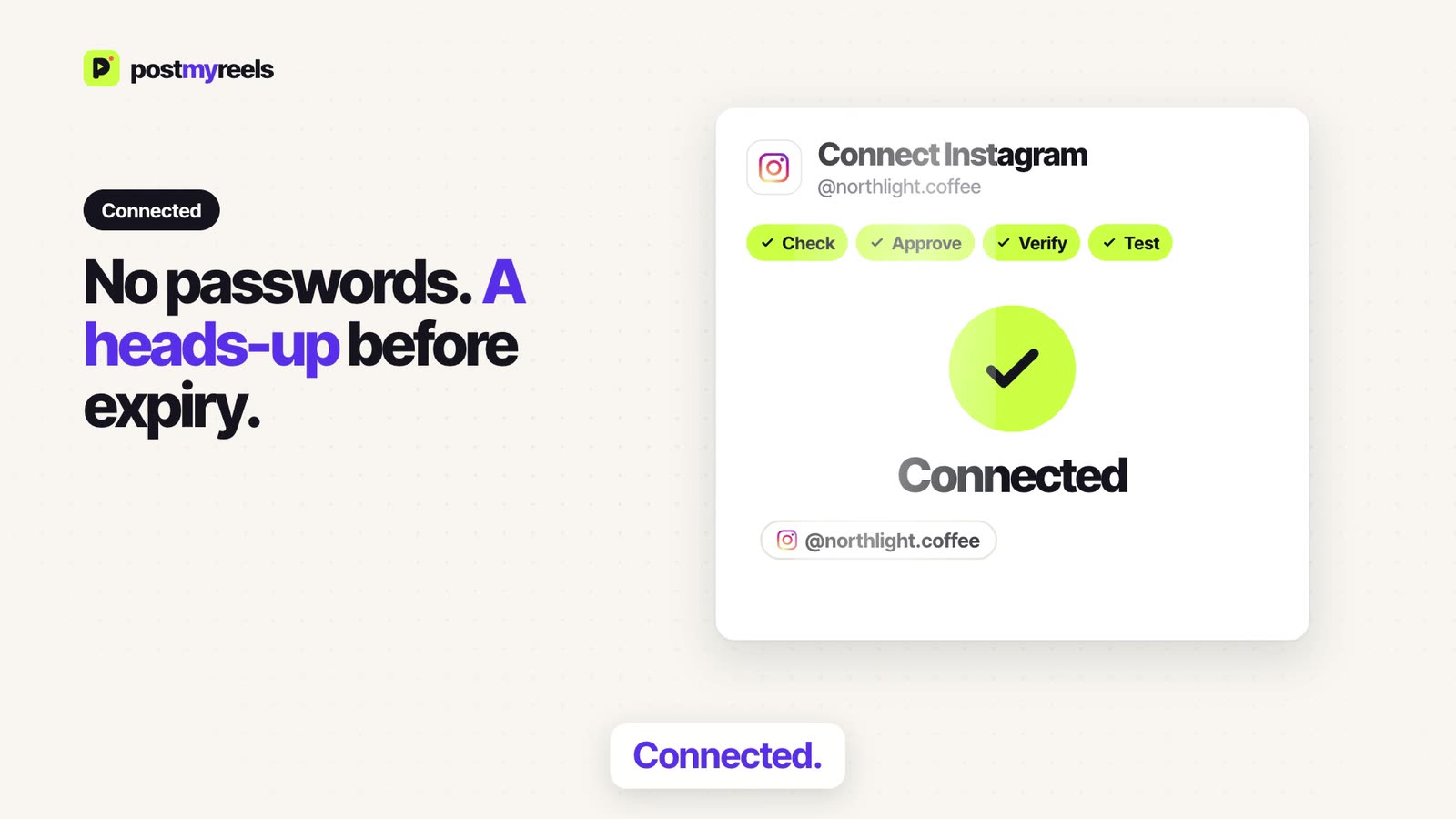
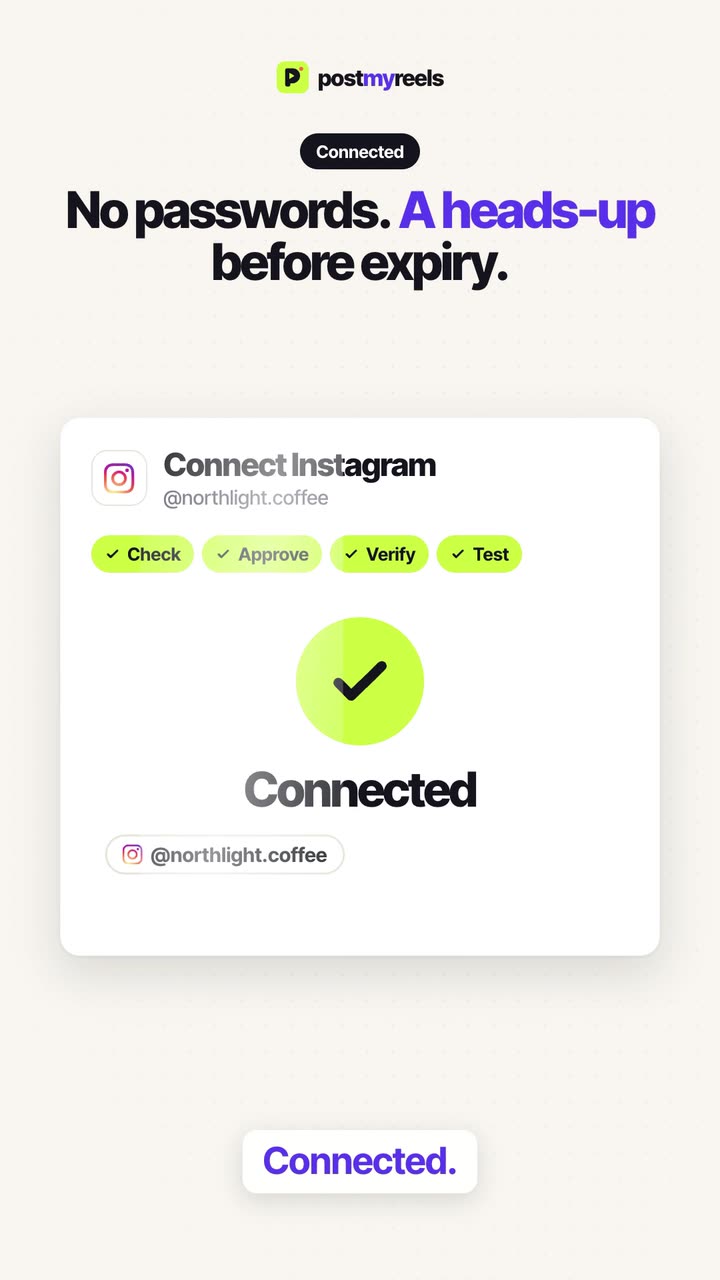
Instagram's publishing API works with professional accounts only. In practice that means:
You do not need to remember any of this. Before Meta's window opens, our connect flow checks the requirements and says in plain words what is missing and how to fix it. Details are in Meta's content publishing documentation. Meta also notes that if your Page requires Page Publishing Authorization, that has to be completed first.
Instagram posting opens after Meta's review of our app. Until then, you can sign in on the Free plan and schedule to YouTube; TikTok posts publish as private ("Only me") until TikTok's audit passes.
For the native route first, and then the faster one, read our guide on how to schedule Instagram posts.
Instagram limits how many posts an account can publish through the API in a rolling 24-hour period. Meta publishes the current number and a way to check it, so plan batches with that in mind.
A scheduler only helps if the plan behind it is realistic. A simple routine works for most small accounts: film or photograph in one session, write captions in a second, and load the whole week into the calendar in a third. The queue is there for posts with no fixed day; drop them in and they go out in the next free slot.
The calendar is just a view of the same posts list, so you can reorder, edit or delete a scheduled post without hunting through two screens. You can schedule up to 365 days ahead, and you can change or cancel a post until it goes out.
Posting the same piece to several places? Tick Instagram, TikTok and YouTube on one post and change only what differs, such as the caption or the YouTube title. The TikTok scheduler page explains the extra options TikTok needs, and says plainly that TikTok posts stay private until our audit passes.
If you manage Instagram for other people, the connect link lets a client authorize their own account with your logo and title on the page. You never ask for a password, and they can revoke access whenever they like.
Photograph new stock once, then spread the posts across the week without being on your phone every evening.
Send the same video to Instagram, TikTok and YouTube from one post.
Send clients a white-label connect link so they link their Instagram and Page themselves. See agencies.
| Instagram's own scheduling | PostMyReels | |
|---|---|---|
| Account type | Professional accounts | Business or Creator, linked to a Facebook Page; opens after Meta's review |
| Several platforms in one post | No | TikTok and YouTube too |
| Calendar across brands | One account at a time | Profiles, calendar and queue |
| Client onboarding | Share access or credentials | White-label connect link, no passwords |
| Error messages | Generic | Plain language with one fix |
If you only run one Instagram account and are happy using the app, native scheduling does the job. If you work across platforms or brands, a scheduler saves repeat work. See pricing for the plans, including a free one.
We show what each platform needs (Business account, linked Page, right channel) before the login window opens, then run a private test post so you know it works.
Drop a video or photos. We check ratio, length and size on upload, and only ask for platform extras that are really required.
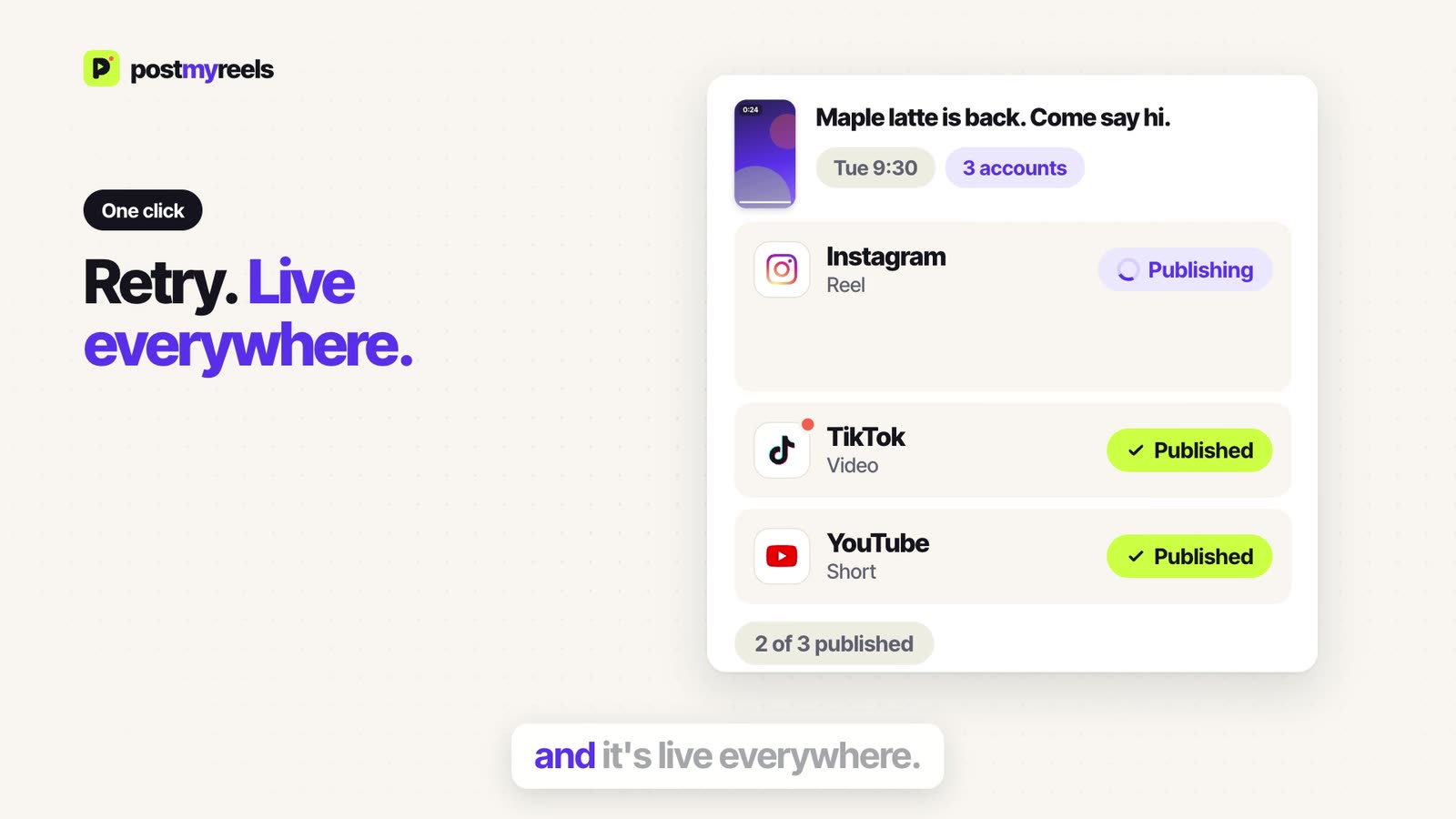
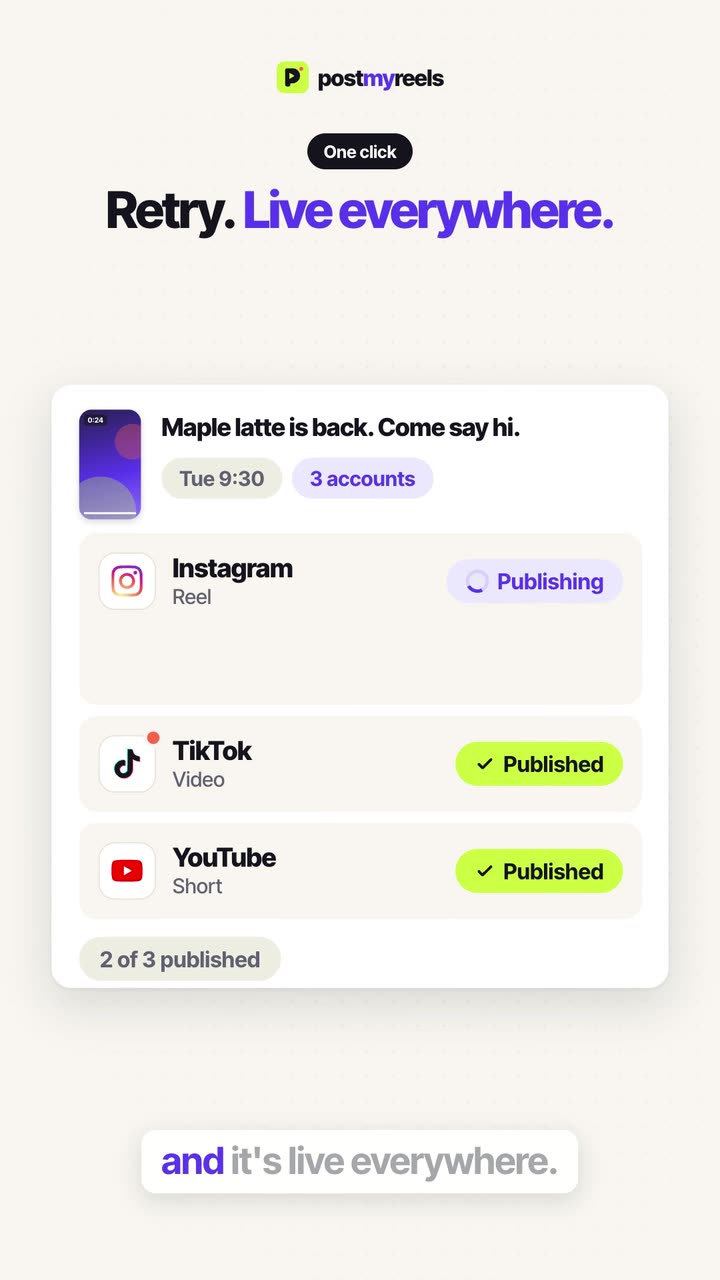
One button: "Schedule to 3 accounts". Track every platform in one row. If one fails, you see why and retry in one click.
The same posts, from code. Test keys validate everything and post nothing.
</>Read the API docscurl https://api.postmyreels.com/api/v1/posts \
-H "Authorization: Bearer pmr_test_…" \
-H "Content-Type: application/json" \
-d '{
"profile": "bella-bakery",
"platform": ["tiktok", "instagram", "youtube"],
"media": [{ "url": "https://cdn.example.com/autumn.mp4" }],
"caption": "Autumn menu is here",
"title": "Autumn menu at Bella Bakery",
"tiktok": { "privacy_level": "PUBLIC_TO_EVERYONE" },
"scheduled_at": "2026-11-20T09:30:00Z"
}'
# 202 → { "post_id": "post_01J5", "status": "queued", "deliveries": [3] }const res = await fetch("https://api.postmyreels.com/api/v1/posts", {
method: "POST",
headers: {
Authorization: `Bearer ${process.env.PMR_KEY}`,
"Content-Type": "application/json",
"Idempotency-Key": crypto.randomUUID(),
},
body: JSON.stringify({
profile: "bella-bakery",
platform: ["tiktok", "instagram", "youtube"],
media: [{ url: "https://cdn.example.com/autumn.mp4" }],
caption: "Autumn menu is here",
title: "Autumn menu at Bella Bakery",
}),
});
const post = await res.json(); // 202, post.deliveries[]Every plan: all platforms, scheduling, queue, API. Extra profiles from $3 down to $1 a month each, 5 more accounts per profile. Yearly: save 17%.
Through PostMyReels, once Meta's review of our app passes. You upload a vertical video, choose Reel, pick a time and schedule it. You can send the same video to TikTok and YouTube on the same post.
Yes. Instagram does not let any app publish to personal accounts. Switching to a Business or Creator account is free in the Instagram settings.
Instagram's publishing API requires the professional account to be linked to a Facebook Page. Our connect flow checks this before Meta's window opens.
Yes. Group several images or videos into one carousel post and schedule it as a single item.
No. You connect through Meta's official login and can disconnect at any time.
There is a free plan that needs no card: sign in with Google and start. Instagram posting opens after Meta's review. The pricing page lists plan limits.

Schedule social media posts once and publish to TikTok, Instagram and YouTube on time. One dashboard, plain-language errors, free plan with no card.
Read →
Schedule a post in Instagram natively, with Meta Business Suite, or with PostMyReels. Requirements, steps, best practice and fixes for common errors.
Read →
A TikTok scheduler with TikTok's required options built in: privacy, disclosure and music confirmation. Honest about private posts until our audit passes.
Read →Free plan, no card: sign in with Google and start now. YouTube works today. TikTok posts publish as private ("Only me") until TikTok’s audit of our app passes. Instagram opens after Meta’s review.