One post, many accounts
Pick as many connected accounts as you like. The post fans out, and you see the status of each platform inside the same post.
A social media scheduler lets you prepare posts ahead of time and have them published automatically at the time you pick. PostMyReels schedules videos and photos to TikTok, Instagram and YouTube from one dashboard: drop the file once, tick the accounts, set the time, and each platform's options sit in the same form. YouTube works today; TikTok stays private until its audit, and Instagram opens after Meta's review.
Free plan, no card · Official logins, no passwords · Errors explained, one-click retryThis is a personal Instagram account. No app can post to it. Switch it to Business or Creator in 3 taps: it's free and your followers stay.
code: ig_personal_accountThese are the platforms' rules, not ours. We check them before the login window opens.
You want to schedule social media posts so that a Tuesday-morning idea goes live on Thursday at 6 pm without you holding your phone. That sounds simple, and it is, until a tool fails silently, hides the TikTok privacy setting three menus deep, or tells you "something went wrong" with no way forward. Those are the complaints we see most often about existing tools, and they are the ones we built around.
PostMyReels is a scheduler for short video: Reels, TikToks and YouTube Shorts, plus photos and carousels where the platform allows them. It does fewer things than an all-in-one suite on purpose, and it tries to do the core job without drama: your post goes out on time, and when it cannot, you are told exactly why and what to do.
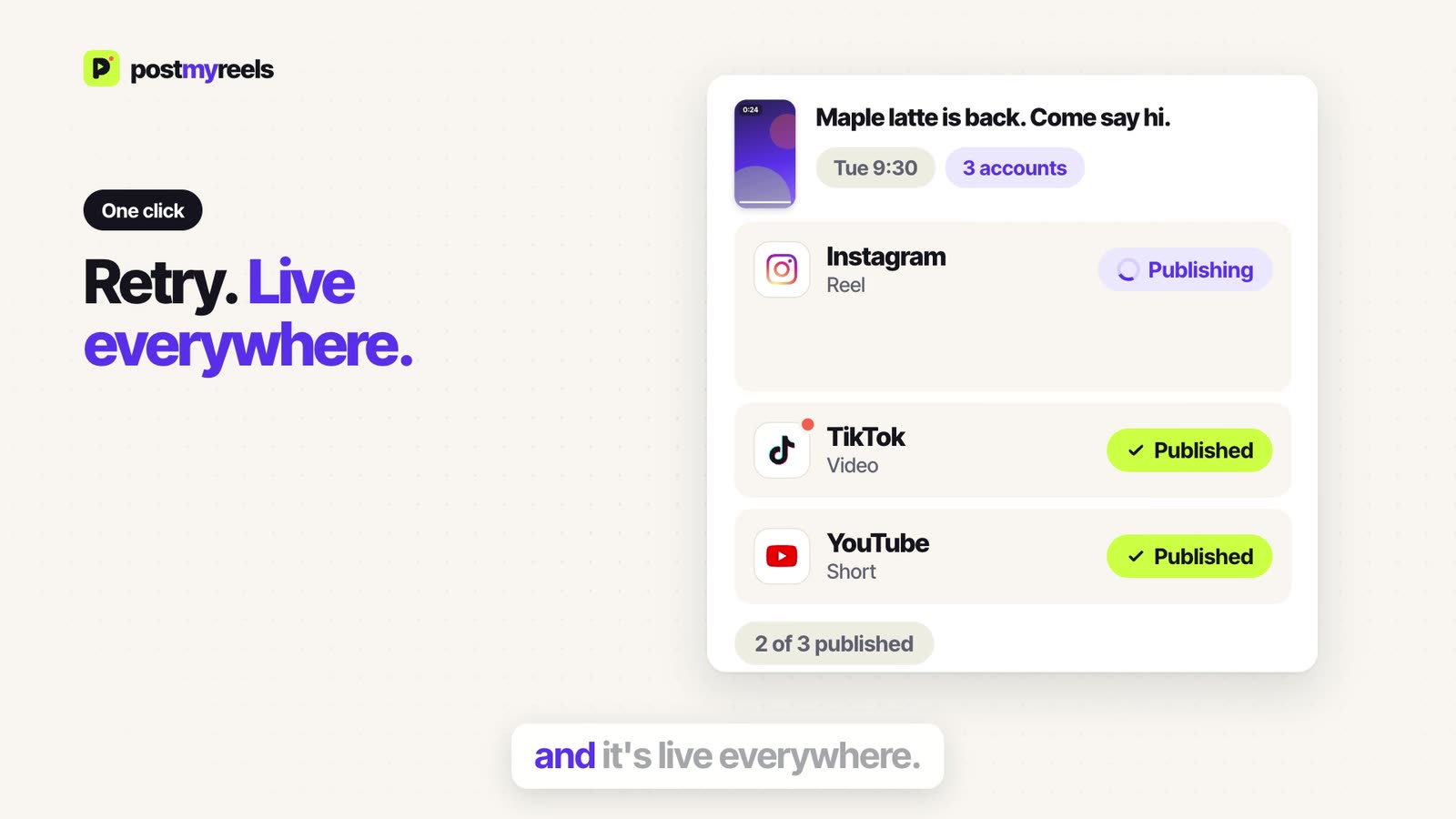
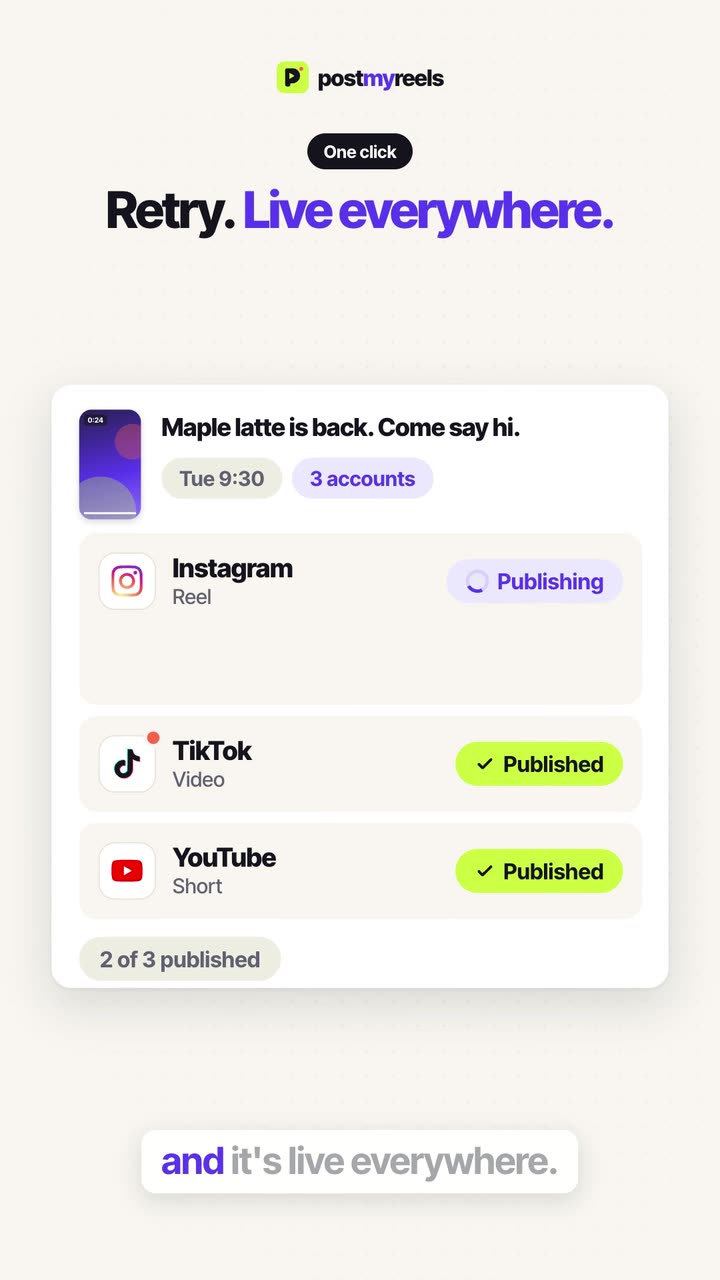
Pick as many connected accounts as you like. The post fans out, and you see the status of each platform inside the same post.
Choose an exact time or drop a post into a queue. The calendar is a view of the same posts list, so nothing is stored twice.
Aspect ratio, duration and size are checked the moment you add the file, along with whether it will post as a Short, before you hit schedule.
TikTok privacy and disclosure toggles, YouTube title and privacy, Instagram Reel or feed: all in the composer, not buried per platform.
A failed post moves to the top with the cause in plain words and a one-click retry. No digging through logs.
Group accounts into profiles, one per brand or client, so the calendar for one brand never mixes with another.
After you connect an account, we run a test so you find out about a problem now rather than at the scheduled time. We also warn you 7 days and 1 day before a connection is due to expire.
New to a platform's rules? Our platform pages explain the specifics: the TikTok scheduler page covers TikTok's required options, and the Instagram scheduler page covers Reels, feed posts and carousels.
TikTok requires every posting app to pass its Content Posting API audit. Until ours passes, TikTok posts publish as private ("Only me"). We show you that up front, and we do not promise a date.
Instagram only lets apps publish to Business or Creator accounts linked to a Facebook Page. Personal accounts cannot be posted to by any app. Switching to Business or Creator is free.
Videos and Shorts are supported. Uploads publish with the privacy you choose, and our daily YouTube upload quota is still the default while an increase request is reviewed.
Other networks such as Facebook Pages, LinkedIn, X and Pinterest are not supported at launch. If you need a tool that covers those today, a general-purpose suite is the better fit, and we would rather say so than overpromise.
Batch-film on one day, schedule the week, and get your time back. You choose what goes out and when.
Keep one profile per client and send a white-label connect link so clients link their own accounts without sharing passwords. See our agency page.
The same posting engine is available as a REST API for apps, n8n, Make and Zapier. See the developers page.
| Posting natively | All-in-one suites | PostMyReels | |
|---|---|---|---|
| Post to several platforms | One app at a time | Usually yes | YouTube; TikTok private until audit; Instagram after Meta's review |
| Scheduling | Varies by app and account type | Yes | Calendar and queue |
| Platform options in one form | Each app's own screens | Often reduced or per-network tabs | Inline in the composer |
| When something fails | You notice later | Varies | Pinned on top, cause and retry |
| Networks covered | That app only | Often many more | Three, focused on short video |
| API for your own tools | Platform APIs only | Sometimes, at higher tiers | REST API included in the product |
Native tools are free and fine for one account on one platform. A suite makes sense if you need analytics, a social inbox and ten networks. We fit in between: short video on the three platforms people actually schedule for, with the details done well. If you are weighing a specific tool, our Buffer alternative comparison goes through it point by point, and pricing lists the plans.
We show what each platform needs (Business account, linked Page, right channel) before the login window opens, then run a private test post so you know it works.
Drop a video or photos. We check ratio, length and size on upload, and only ask for platform extras that are really required.
One button: "Schedule to 3 accounts". Track every platform in one row. If one fails, you see why and retry in one click.
The same posts, from code. Test keys validate everything and post nothing.
</>Read the API docscurl https://api.postmyreels.com/api/v1/posts \
-H "Authorization: Bearer pmr_test_…" \
-H "Content-Type: application/json" \
-d '{
"profile": "bella-bakery",
"platform": ["tiktok", "instagram", "youtube"],
"media": [{ "url": "https://cdn.example.com/autumn.mp4" }],
"caption": "Autumn menu is here",
"title": "Autumn menu at Bella Bakery",
"tiktok": { "privacy_level": "PUBLIC_TO_EVERYONE" },
"scheduled_at": "2026-11-20T09:30:00Z"
}'
# 202 → { "post_id": "post_01J5", "status": "queued", "deliveries": [3] }const res = await fetch("https://api.postmyreels.com/api/v1/posts", {
method: "POST",
headers: {
Authorization: `Bearer ${process.env.PMR_KEY}`,
"Content-Type": "application/json",
"Idempotency-Key": crypto.randomUUID(),
},
body: JSON.stringify({
profile: "bella-bakery",
platform: ["tiktok", "instagram", "youtube"],
media: [{ url: "https://cdn.example.com/autumn.mp4" }],
caption: "Autumn menu is here",
title: "Autumn menu at Bella Bakery",
}),
});
const post = await res.json(); // 202, post.deliveries[]Every plan: all platforms, scheduling, queue, API. Extra profiles from $3 down to $1 a month each, 5 more accounts per profile. Yearly: save 17%.
A social media scheduler is a tool that publishes your posts automatically at a time you choose. You prepare the video, photo and caption in advance, pick the accounts and the time, and the tool posts for you.
TikTok, Instagram (Business or Creator accounts linked to a Facebook Page) and YouTube, including Shorts. Facebook Pages, LinkedIn, X and Pinterest are not supported yet.
While our TikTok API audit is pending, TikTok posts from our app publish as private. TikTok sets that rule for every app that has not passed its audit. We cannot give a date for the audit.
No. You connect through each platform's official login, and you can disconnect at any time.
Up to 365 days ahead.
Yes, there is a free plan and it needs no card. Sign in with Google and start right away. Instagram posting opens after Meta's review. See the pricing page for the plans.

A TikTok scheduler with TikTok's required options built in: privacy, disclosure and music confirmation. Honest about private posts until our audit passes.
Read →
Schedule Instagram Reels, feed posts and carousels from one dashboard. For Business or Creator accounts. Opens after Meta's review.
Read →ProductPostMyReels pricing: a free social media scheduler plan with no card, and paid plans that add more profiles, posts, reports and approvals.
Read →Free plan, no card: sign in with Google and start now. YouTube works today. TikTok posts publish as private ("Only me") until TikTok’s audit of our app passes. Instagram opens after Meta’s review.