Privacy choice
You choose who can see each post from the options TikTok returns for your account. There is no silent default.
A TikTok scheduler lets you queue videos and have them published at a set time. PostMyReels does this through TikTok's official Content Posting API and shows the options TikTok requires: who can see the post, comment, duet and stitch controls, commercial content disclosure and the music confirmation. One honest caveat: until our TikTok audit passes, posts from our app publish as private.
Free plan, no card · Official logins, no passwords · Errors explained, one-click retryTikTok isn't allowing posts from apps on this account right now. Check "Allow posting from apps" in your TikTok settings, then try again.
code: tt_posting_disabledThese are the platforms' rules, not ours. We check them before the login window opens.
TikTok limits every app that has not passed its Content Posting API audit. Its documentation says that content posted by unaudited clients is restricted to private viewing mode. PostMyReels is waiting on that audit, so for now a TikTok post sent from our app lands as "Only me" on your account. We do not hide it: the composer shows it before you schedule.
Once the audit passes, the privacy choices TikTok offers for your account become available. We will not guess at a date. If you only need TikTok to go public today, TikTok's own app and its native scheduling are the right tool for now. If you also post to YouTube, which works today, you can use the social media scheduler for it and add TikTok when the audit clears. Instagram opens after Meta's review.
TikTok requires apps that post on a user's behalf to show certain controls and honor the user's choices. These are the ones we build in, checked against TikTok's content sharing guidelines and Direct Post reference.
You choose who can see each post from the options TikTok returns for your account. There is no silent default.
Each is a separate toggle that starts off, and any control your account settings disable is greyed out. Photo posts show comments only.
Turn on commercial content, then mark "Your brand", "Branded content" or both. You must pick at least one, and the post is labeled accordingly.
Before you post, a short declaration states that you agree to TikTok's Music Usage Confirmation, plus the Branded Content Policy when you mark a paid partnership.
Write a caption with hashtags and mentions, and choose the frame used as the cover.
The file is checked on drop for aspect ratio, duration and size, so you do not find out at the scheduled time that it was rejected.
Want to add the same video to Instagram or YouTube? Tick those accounts on the same post. For a walkthrough that also covers scheduling inside the TikTok app, see our guide on how to schedule TikTok videos.
After connecting, we run a test so a bad connection shows up straight away, and we warn you 7 days and 1 day before it expires.
People who have tried other tools tend to complain about the same things: a connect screen that hangs on "Connecting to TikTok" with no explanation, posts that fail without a word, and TikTok options hidden behind extra clicks. We try to remove each of these.
None of this changes TikTok's audit rule, and we would rather you know about it before scheduling than after. Ready to try the scheduler? Start free, no card needed.
Record a week of clips in one session and stagger them, instead of posting live from your phone each evening.
Disclosure toggles are right in the form, so promotional posts carry the right label.
Keep each client in its own profile and send a white-label connect link so they link TikTok themselves. More on the agencies page.
The same posting works through our REST API, with test-mode keys that post nothing. See developers.
| TikTok's own scheduling | PostMyReels | |
|---|---|---|
| Public posting today | Yes, from your account | Not yet: private until our audit passes |
| Other platforms in the same post | No | YouTube today; Instagram after Meta's review |
| Calendar across accounts | One account at a time | Profiles with a shared calendar and queue |
| Client connect links | No | White-label links for agencies |
| API and automation | Separate app review needed | REST API, n8n, Make and Zapier through HTTP |
Native scheduling is fine if you only post to TikTok from one account and need it public now. A tool like ours is for people who want TikTok to sit in one workflow with Instagram and YouTube. Plans are on the pricing page.
We show what each platform needs (Business account, linked Page, right channel) before the login window opens, then run a private test post so you know it works.
Drop a video or photos. We check ratio, length and size on upload, and only ask for platform extras that are really required.
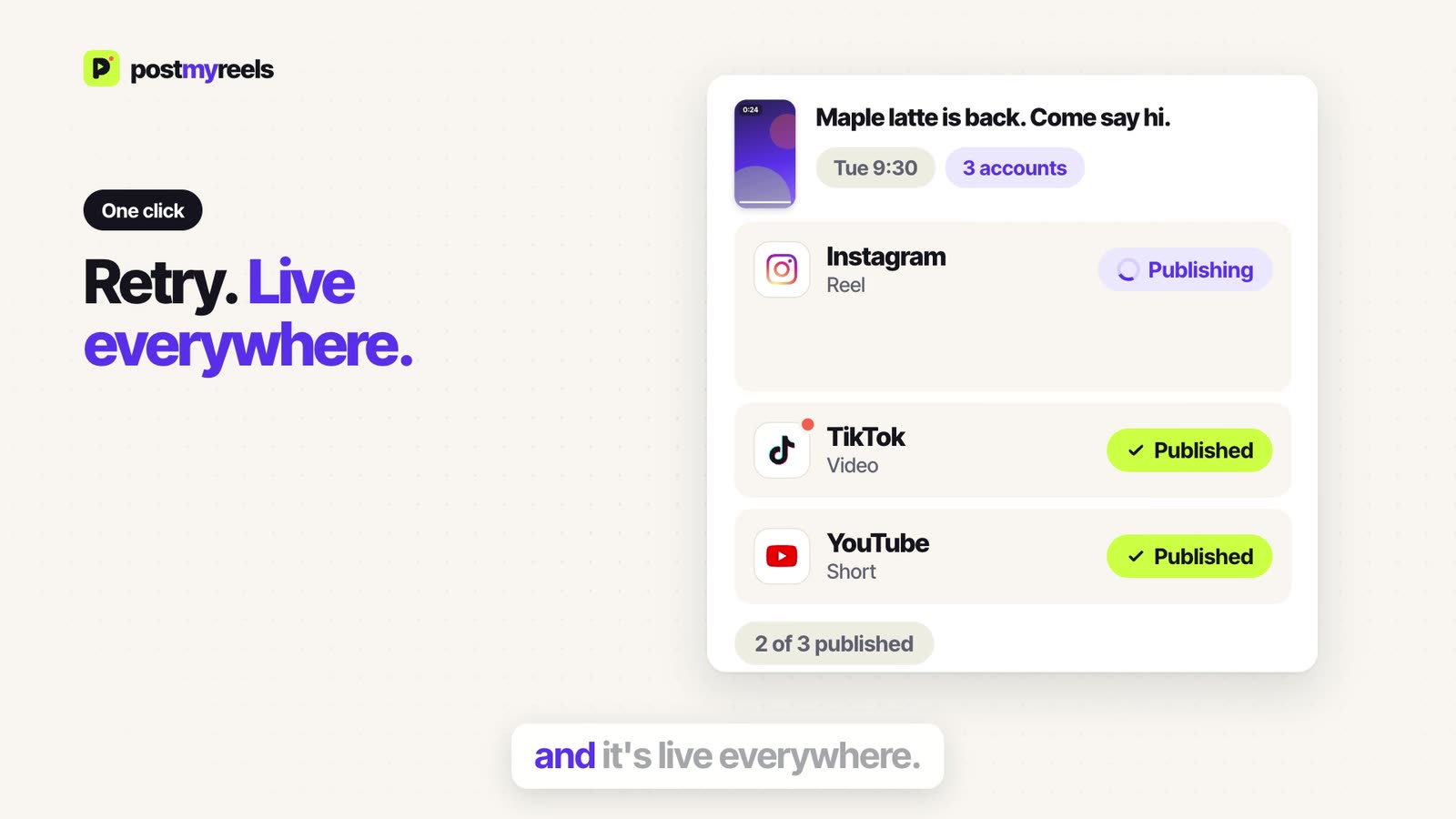
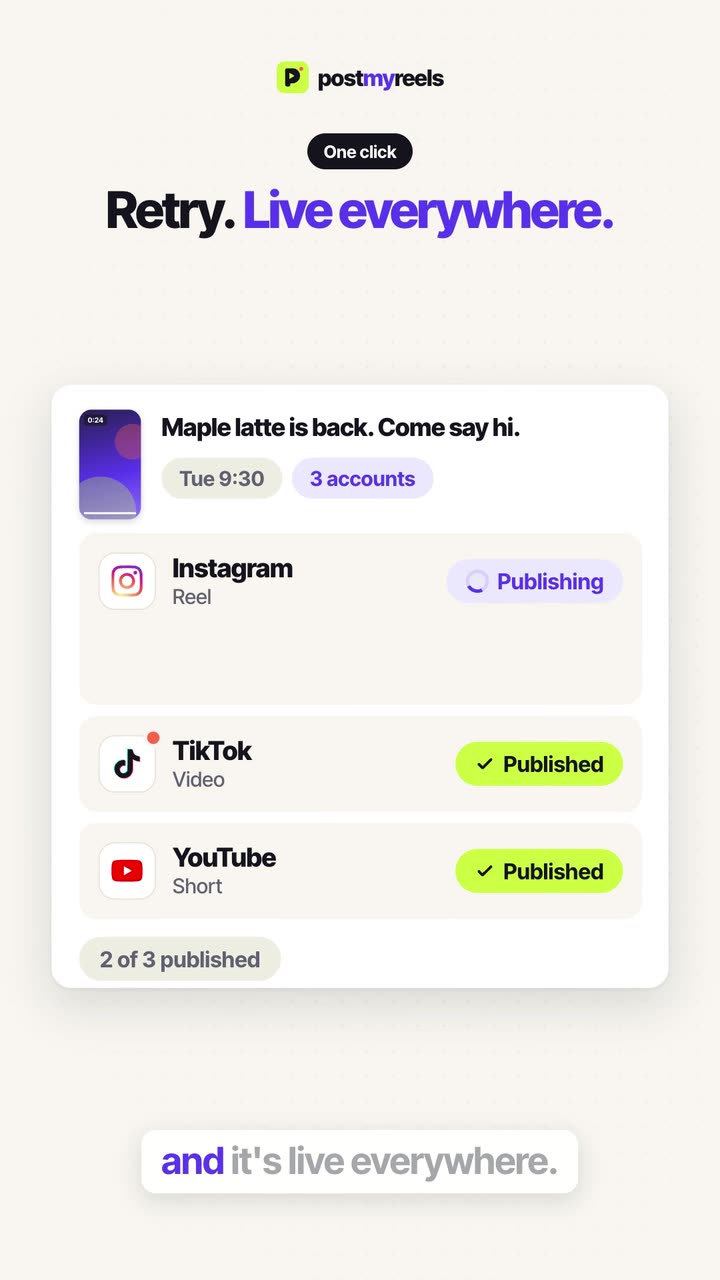
One button: "Schedule to 3 accounts". Track every platform in one row. If one fails, you see why and retry in one click.
The same posts, from code. Test keys validate everything and post nothing.
</>Read the API docscurl https://api.postmyreels.com/api/v1/posts \
-H "Authorization: Bearer pmr_test_…" \
-H "Content-Type: application/json" \
-d '{
"profile": "bella-bakery",
"platform": ["tiktok", "instagram", "youtube"],
"media": [{ "url": "https://cdn.example.com/autumn.mp4" }],
"caption": "Autumn menu is here",
"title": "Autumn menu at Bella Bakery",
"tiktok": { "privacy_level": "PUBLIC_TO_EVERYONE" },
"scheduled_at": "2026-11-20T09:30:00Z"
}'
# 202 → { "post_id": "post_01J5", "status": "queued", "deliveries": [3] }const res = await fetch("https://api.postmyreels.com/api/v1/posts", {
method: "POST",
headers: {
Authorization: `Bearer ${process.env.PMR_KEY}`,
"Content-Type": "application/json",
"Idempotency-Key": crypto.randomUUID(),
},
body: JSON.stringify({
profile: "bella-bakery",
platform: ["tiktok", "instagram", "youtube"],
media: [{ url: "https://cdn.example.com/autumn.mp4" }],
caption: "Autumn menu is here",
title: "Autumn menu at Bella Bakery",
}),
});
const post = await res.json(); // 202, post.deliveries[]Every plan: all platforms, scheduling, queue, API. Extra profiles from $3 down to $1 a month each, 5 more accounts per profile. Yearly: save 17%.
Yes, you can schedule TikTok videos through TikTok's official API. While our app's TikTok audit is pending, TikTok publishes those posts as private (Only me).
TikTok restricts content posted by apps that have not passed its Content Posting API audit to private viewing. It applies to every unaudited app, not just ours.
The app has to show a privacy choice, comment, duet and stitch toggles, commercial content disclosure (your brand, branded content or both) and a music usage confirmation before posting.
No. You connect through TikTok's official login and can disconnect at any time.
Yes. Select both accounts on one post and adjust each platform's options in the same form.
Up to 365 days ahead.

Schedule social media posts once and publish to TikTok, Instagram and YouTube on time. One dashboard, plain-language errors, free plan with no card.
Read →
Schedule a TikTok with TikTok Studio on desktop, see what the mobile app allows, and use PostMyReels or the TikTok API. Steps, limits and caveats.
Read →
Schedule Instagram Reels, feed posts and carousels from one dashboard. For Business or Creator accounts. Opens after Meta's review.
Read →Free plan, no card: sign in with Google and start now. YouTube works today. TikTok posts publish as private ("Only me") until TikTok’s audit of our app passes. Instagram opens after Meta’s review.