Vertical or square
YouTube's help page says videos with a square or vertical aspect ratio, up to three minutes long, are categorized as Shorts. A 16:9 video stays a regular video. Vertical 9:16 is the safe default.
Yes, you can schedule YouTube Shorts. Drop a vertical or square video up to three minutes, set the title and a time, and PostMyReels uploads it to your channel when the time comes. The same form can send the video to TikTok and Instagram, so you plan the week once.
Free plan, no card · File checked before you schedule · Shorts, TikTok and Reels in one formThis isn't the channel you connected before. The login owns two channels. Pick the one this post is for and we'll post there.
code: yt_wrong_channelThese are the platforms' rules, not ours. We check them before the login window opens.
You can. YouTube Studio has a Schedule option in the upload flow, and it works for a single video on a single channel. A scheduler earns its place when you post the same clip in several places, plan more than one video at a time, or want a calendar instead of a list of uploads. That is the job here: pick your channel, drop the file, choose a time, and the Short goes live without you sitting at the screen. Part of the wider social media scheduler, the YouTube side has its own checks and options.
YouTube works today, though our daily YouTube upload quota is still the default while an increase request is reviewed. Uploads publish with the privacy you choose, and the post status shows what happened to each one, so a held upload never looks like a silent failure.
The rules come from YouTube, not from us, and they change. We check the file against them when you drop it.
YouTube's help page says videos with a square or vertical aspect ratio, up to three minutes long, are categorized as Shorts. A 16:9 video stays a regular video. Vertical 9:16 is the safe default.
Shorts can run up to three minutes. A clip over the limit is rejected before it is queued, with the cause named, instead of failing at the moment it should go live.
A YouTube title holds 100 characters and a description 5,000. If you reuse a long Instagram caption, the form flags it and lets you write a separate YouTube version.
Source: YouTube Help, Shorts. Check it before you build a workflow around a number.
The post page shows one line per platform: queued, uploading, processing, published, or failed with the cause and a one-click retry. Failures sit at the top of the list rather than hiding in a log. If you build your own tooling, the posting API returns the same statuses and takes a youtube object with the same fields.
| YouTube Studio | PostMyReels | |
|---|---|---|
| Schedule a single upload | Yes, the Schedule card in the upload flow (YouTube Help) | Yes |
| Post the same video to TikTok and Instagram | No, YouTube only | Yes, one form (TikTok private until audit; Instagram after Meta's review) |
| Several clients or brands | One channel at a time | One profile per brand or client |
| Calendar and queue | Content list | Calendar view and queue slots |
| Plain-language failure reasons | YouTube's own messages | Cause and one fix on every failed post |
| Analytics and comments | Full YouTube Analytics | Basic stats only (views, likes, comments); comments stay in Studio |
If you post only to one channel and nothing else, Studio is enough. A scheduler pays off once you post the same clip in more than one place.
The same 9:16 export fits all three, and that is why most creators post it to all three. The captions do not fit the same way. Instagram likes hashtags in the caption, YouTube wants a title, and TikTok has privacy and disclosure toggles. PostMyReels keeps those options inline per platform so you do not have to retype the same clip three times. For the platform-specific pages, see the TikTok scheduler and the Instagram Reels scheduler.
Two honest notes. First, uploading the same file everywhere is a time saver, not a strategy; check what each audience actually responds to. Second, we do not promise views or reach. What we promise is that the post goes out on time and, when it does not, you know why.
People who schedule Shorts with other tools often report uploads that fail with a vague message. The causes are usually boring: the wrong aspect ratio, a file over the length limit, an expired login, or YouTube's daily upload quota. We name the cause and the fix: "Re-export vertical, then retry", "Reconnect your channel", or "YouTube's daily quota is used up, we retry after it resets." Logins that expire are flagged 7 days and 1 day before, so scheduled Shorts do not pause on you.
We show what each platform needs (Business account, linked Page, right channel) before the login window opens, then run a private test post so you know it works.
Drop a video or photos. We check ratio, length and size on upload, and only ask for platform extras that are really required.
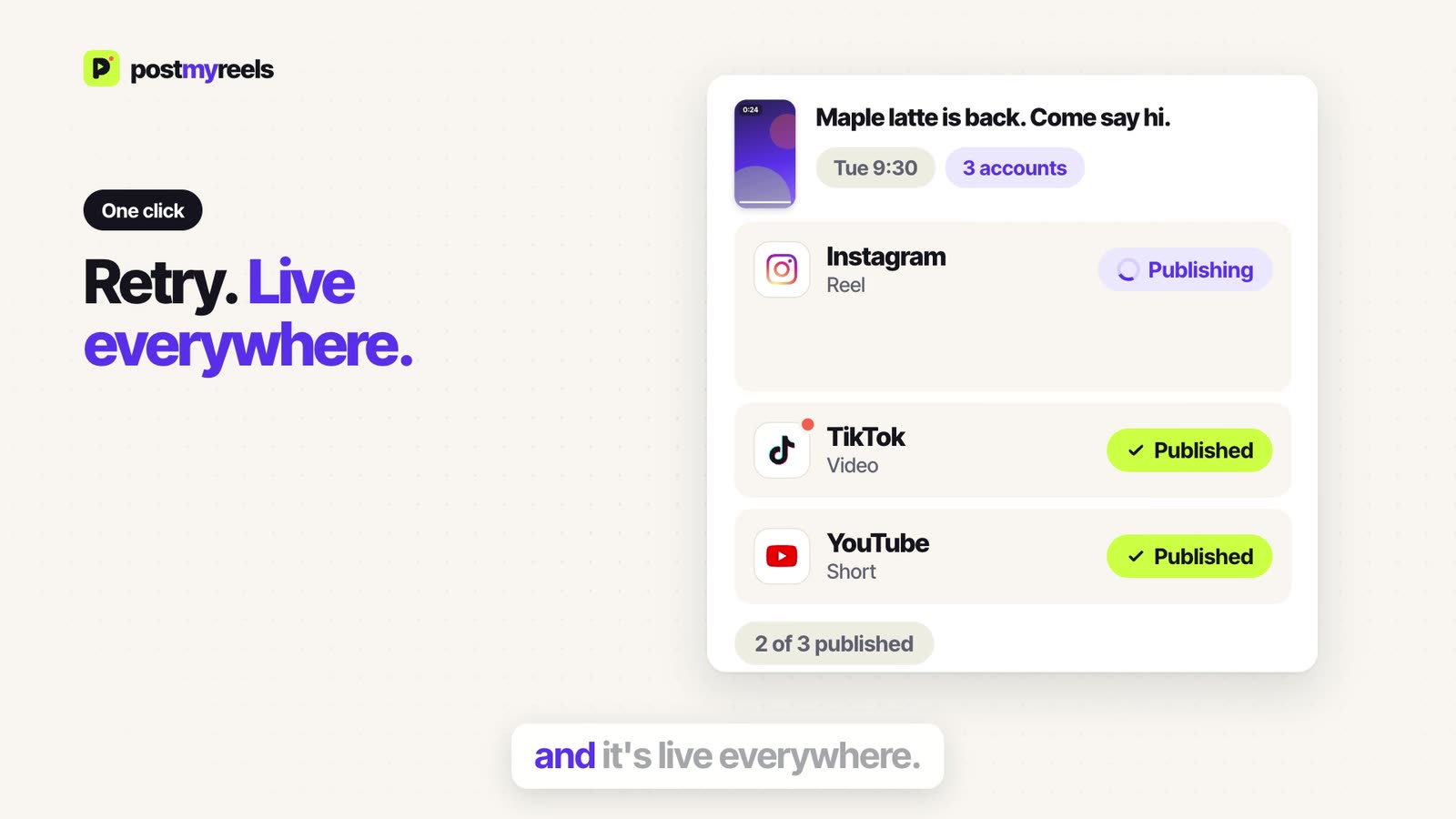
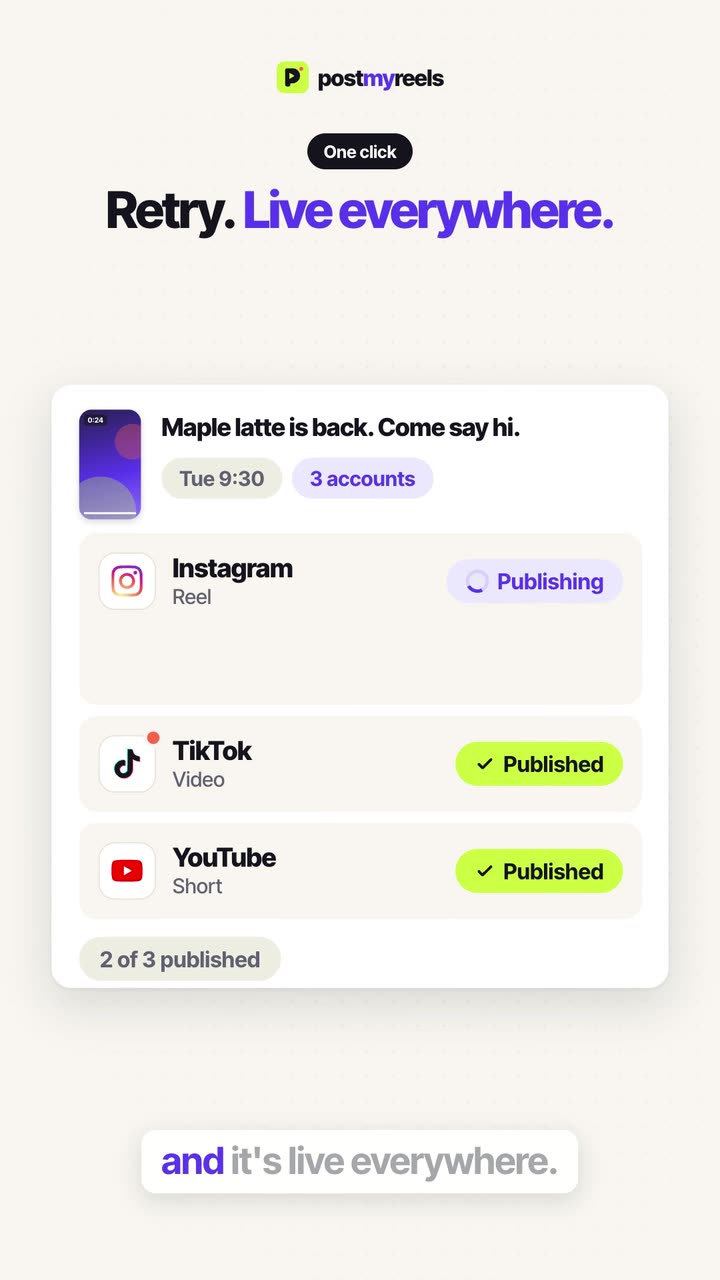
One button: "Schedule to 3 accounts". Track every platform in one row. If one fails, you see why and retry in one click.
The same posts, from code. Test keys validate everything and post nothing.
</>Read the API docscurl https://api.postmyreels.com/api/v1/posts \
-H "Authorization: Bearer pmr_test_…" \
-H "Content-Type: application/json" \
-d '{
"profile": "bella-bakery",
"platform": ["tiktok", "instagram", "youtube"],
"media": [{ "url": "https://cdn.example.com/autumn.mp4" }],
"caption": "Autumn menu is here",
"title": "Autumn menu at Bella Bakery",
"tiktok": { "privacy_level": "PUBLIC_TO_EVERYONE" },
"scheduled_at": "2026-11-20T09:30:00Z"
}'
# 202 → { "post_id": "post_01J5", "status": "queued", "deliveries": [3] }const res = await fetch("https://api.postmyreels.com/api/v1/posts", {
method: "POST",
headers: {
Authorization: `Bearer ${process.env.PMR_KEY}`,
"Content-Type": "application/json",
"Idempotency-Key": crypto.randomUUID(),
},
body: JSON.stringify({
profile: "bella-bakery",
platform: ["tiktok", "instagram", "youtube"],
media: [{ url: "https://cdn.example.com/autumn.mp4" }],
caption: "Autumn menu is here",
title: "Autumn menu at Bella Bakery",
}),
});
const post = await res.json(); // 202, post.deliveries[]Every plan: all platforms, scheduling, queue, API. Extra profiles from $3 down to $1 a month each, 5 more accounts per profile. Yearly: save 17%.
Yes. YouTube Studio has a Schedule option in its upload flow, and a scheduler like PostMyReels lets you plan Shorts on a calendar or queue and post the same video to TikTok and Instagram from one form.
According to YouTube Help, videos with a square or vertical aspect ratio, up to three minutes long, are categorized as Shorts. Wider formats such as 16:9 remain regular videos. Check the official page for the current rules.
No. Uploads publish with the privacy you choose in the form: public, unlisted, private or scheduled. Our daily YouTube upload quota is still the default while an increase request is reviewed, and the post status shows the result of each one.
Yes. Tick all three accounts in one form. Each platform keeps its own caption, title and options, and you get a separate status for each.
No. You connect through Google's official login and can disconnect at any time. We never see or store your password.
Yes. The REST API takes a youtube object with title, description and privacy_status, plus scheduled_at for the time. API keys, test and live, are on every plan, Free too; live posts count toward the monthly limit.

Schedule social media posts once and publish to TikTok, Instagram and YouTube on time. One dashboard, plain-language errors, free plan with no card.
Read →
A TikTok scheduler with TikTok's required options built in: privacy, disclosure and music confirmation. Honest about private posts until our audit passes.
Read →
Schedule Instagram Reels, feed posts and carousels from one dashboard. For Business or Creator accounts. Opens after Meta's review.
Read →Free plan, no card: sign in with Google and start now. YouTube works today. TikTok posts publish as private ("Only me") until TikTok’s audit of our app passes. Instagram opens after Meta’s review.