How to schedule Instagram posts and Reels
To schedule a post in Instagram, switch to a Business or Creator account, create your post or Reel as usual, open Advanced settings, turn on "Schedule this post", pick a date and time, and tap Schedule. You can also schedule from Meta Business Suite or from a tool like PostMyReels. Here are all three ways, and which to use.

Quick answer: Instagram schedules posts, carousels and Reels natively for Business and Creator accounts. Meta Business Suite (Meta's planner for Facebook and Instagram) also schedules, from a browser. If you publish to Instagram plus TikTok and YouTube, or you want an API, PostMyReels schedules all of them from one form.
What you need before you can schedule
- A Business or Creator (professional) account. Personal accounts cannot schedule natively, and no third-party app can post to a personal account either. Switching is free in Settings, and your followers and posts stay.
- For Meta Business Suite and tools like PostMyReels: a Facebook Page linked to the Instagram account. The Page can stay empty. Without the link, connection fails.
- A finished file. Reels are vertical (9:16 is the safe choice), feed posts can run from 4:5 to 1.91:1, and the video should be an H.264 MP4. Check Instagram's current limits in the Instagram Help Center, since lengths and sizes change.
Method 1: schedule inside the Instagram app
Instagram added built-in scheduling for professional accounts in late 2022. Meta can move the interface and limits, so if a label differs from what you see, follow what is on your screen. The usual path:
- Tap + and choose Post or Reel. Select or record your media and edit it.
- On the final screen, add a caption, cover, tags and location.
- Scroll to Advanced settings and turn on Schedule this post (on some versions it is a "Schedule" option near Share).
- Pick a date and time, then go back and tap Schedule.
Scheduled items live under your profile menu. Open the scheduled content list to edit the time or caption, publish now or delete.
Limits. Instagram announced a window of up to 75 days ahead when it launched scheduling, and the date picker in your app shows the range your account can use today. Stories were not part of in-app scheduling at launch. Check the current rules in the Instagram Help Center before you plan a long calendar.
Good for: one account, a handful of posts, no extra tool. Not good for: a team, clients, or posting the same video elsewhere.
Method 2: Meta Business Suite (Meta Planner)
Meta Business Suite is Meta's free browser and mobile tool for Facebook Pages and linked Instagram accounts. Its planner shows a calendar of scheduled posts and Reels.
- Open Meta Business Suite and select your Page and Instagram account. If the Instagram account does not appear, link it in settings first.
- Choose Create post or Create reel, and tick Instagram as a placement (you can tick Facebook too).
- Upload the media, write the caption, and set the cover.
- Switch from publish now to Schedule, pick the date and time, and confirm.
The planner's name, menu layout and the allowed lead time have changed over the years, and third-party guides disagree on the exact number of days. Rely on the date picker inside Business Suite and on Meta's own help pages, not on a number copied from a blog.
Good for: desktop scheduling and cross-posting to a Facebook Page. Not good for: TikTok or YouTube, or an API.
Method 3: schedule with PostMyReels
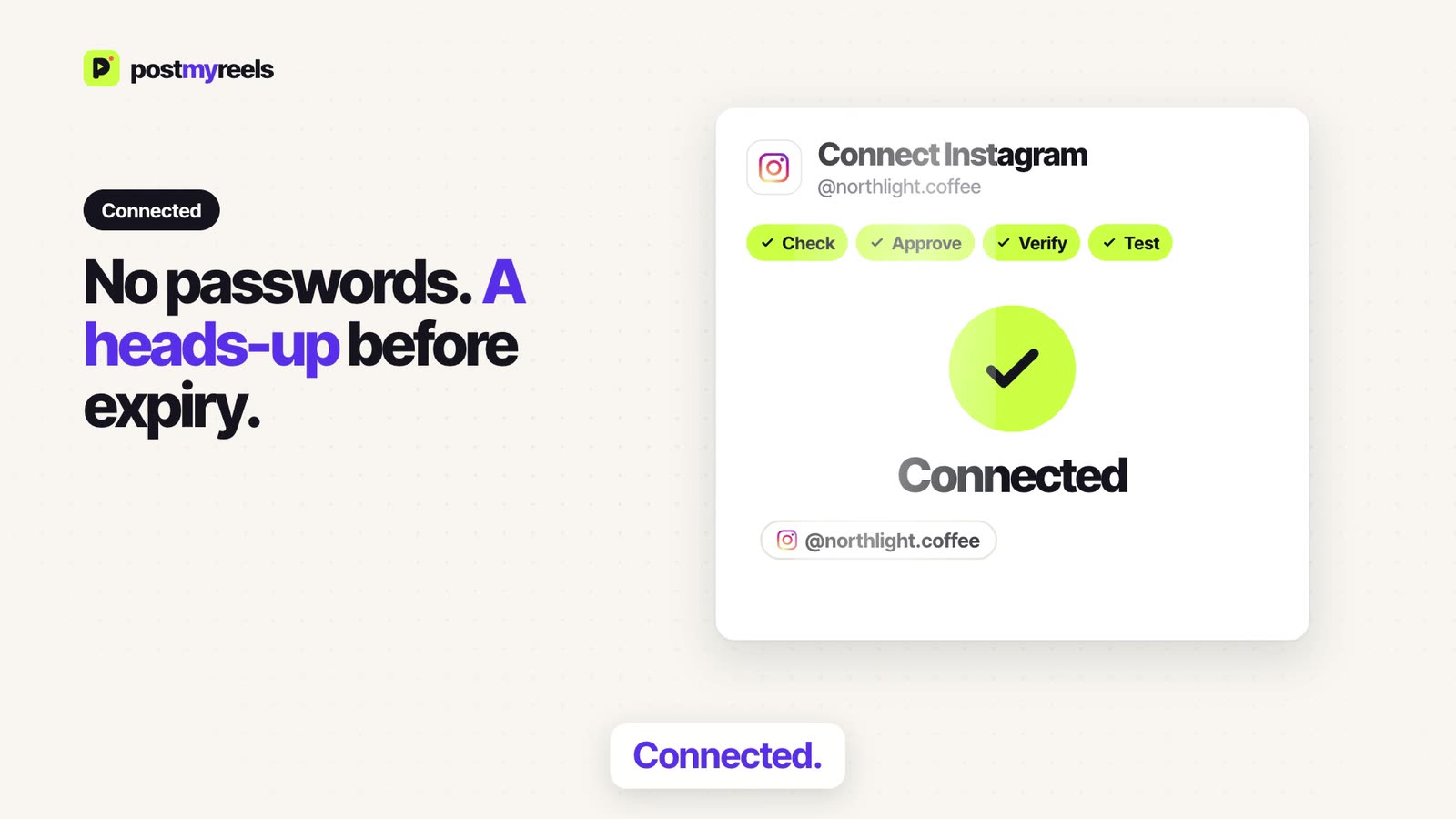
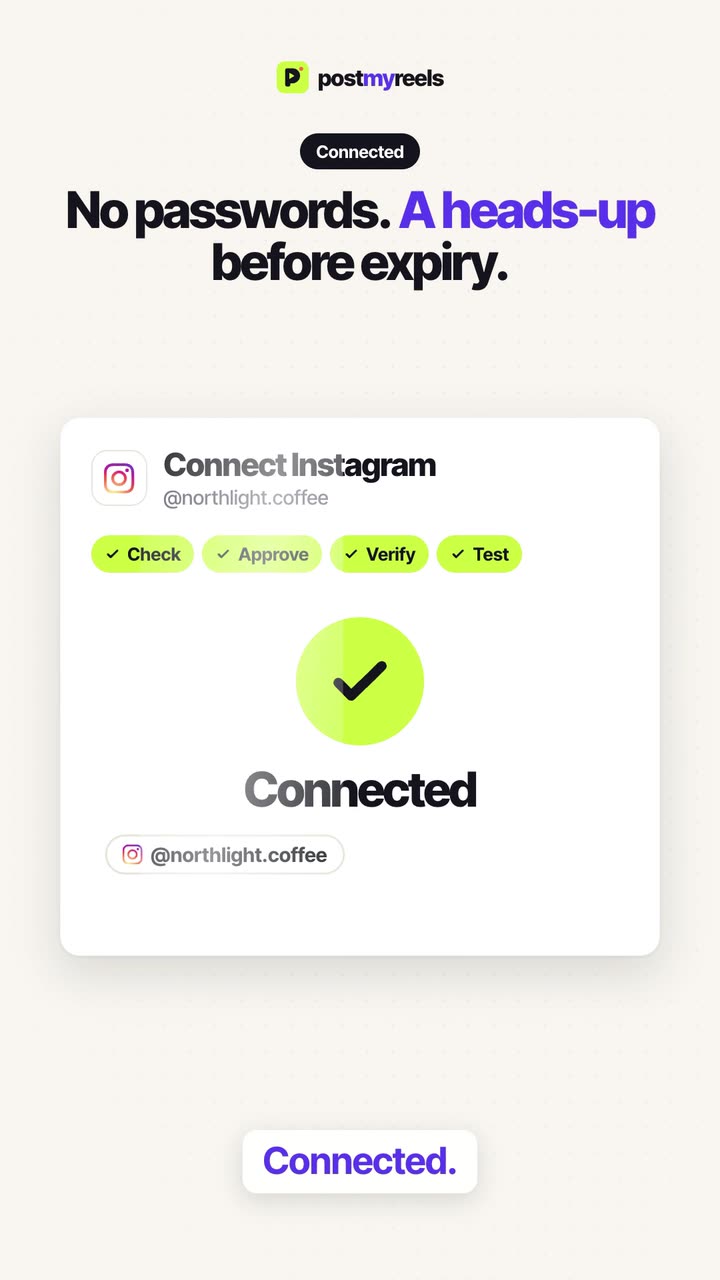
PostMyReels is useful when Instagram is one of several places the video goes, or when you manage more than one brand. It connects to Instagram through Meta's official login, with no passwords.
- Connect the account. The connect flow checks the requirements first. If the account is personal, or no Facebook Page is linked, it tells you in plain language and gives the one fix.
- Drop the file. The composer checks the aspect ratio, duration and size on drop, so a 16:9 clip is flagged before it ever fails.
- Pick accounts and options. Choose Instagram, and add TikTok or YouTube if you want the same video there. Set Reel or feed, and a caption. Different caption per platform? Use the override.
- Choose a time. Pick a date and time, or add to a queue. You can schedule up to 365 days ahead.
- Watch status. Each platform shows its own status. A failure is pinned on top with the cause and a one-click retry.
Developers can do the same with POST /posts and scheduled_at; the API overview has the details and the n8n guide shows a workflow. In PostMyReels, Instagram opens after Meta's review. YouTube works today.
Which method should you use?
| Situation | Best fit |
|---|---|
| One Instagram account, a few posts a week | Instagram app scheduling |
| Instagram plus a Facebook Page, planning on desktop | Meta Business Suite |
| Same video to Instagram, TikTok and YouTube | PostMyReels |
| Clients, white-label connect links, or an API | PostMyReels |
A simple weekly scheduling routine
Scheduling pays off when it becomes a habit rather than a rescue. A routine that works for most small accounts looks like this:
- Batch the making. Film or export several Reels and photos in one sitting, so you are not editing on the day.
- Write captions in one pass. Keep a note with your usual hashtags, calls to action and any link-in-bio line, and paste from it.
- Schedule the whole week at once. Fill the calendar for the next seven days, leaving one open slot for something timely.
- Do a five-minute check. Before the week starts, open the scheduled list and confirm the right video is attached to the right time.
- Reply live. A scheduled post still needs you around for the first hour to answer comments, since replies help a post along.
Posts, carousels, Reels and Stories: what can be scheduled
Feed photos, carousels and Reels can be scheduled in the Instagram app and in Meta Business Suite. Stories are handled differently, and in-app scheduling did not cover them at launch, so check your app. PostMyReels handles Reels, feed photos and carousels (up to 10 photos) for Business and Creator accounts. If you need Stories, post them from the app at the time you want them live.
One more detail that trips people up is that a Reel can also be shared to the feed grid or kept out of it. In PostMyReels this is the share_to_feed choice in the Instagram options, and in the app it is the toggle on the final screen. Decide before you schedule, because changing it later usually means editing or reposting.
Best practice for scheduled Instagram posts
- Test your own audience's times. Generic "best time to post" charts are averages. Look at your Insights for when followers are active and keep a consistent rhythm.
- Export vertical for Reels. A file that is not 9:16 to 4:5 is the most common cause of a failed or cropped Reel.
- Finish the caption before scheduling. Add hashtags, mentions and the first comment up front. A scheduled post is easy to forget.
- Pick a cover. Set the cover or thumbnail offset so the grid looks right.
- Check the queue weekly. Tokens expire, and an expired connection pauses scheduled posts. PostMyReels warns 7 days and 1 day before expiry.
- Do not stack everything on one hour. Spread posts out, and remember Instagram caps how many posts an account can publish per day through its API.
- Keep a human check on time zones. Confirm the scheduler uses the time zone you think it does.
Common errors when scheduling Instagram posts, and fixes
"I can't find the Schedule option"
Your account is probably personal. Switch to Business or Creator in Settings, then update the app.
The Instagram account will not connect to a tool
It needs to be linked to a Facebook Page. Link or create a Page (two minutes, it can stay empty), then reconnect. In the connect screen, tick the Page you linked and keep every permission box ticked.
The post failed or never appeared
Check the file first: aspect ratio, length and format (H.264 MP4 for video, JPEG or PNG for photos). Then check whether the account connection expired. In PostMyReels the failed delivery shows the exact cause and a retry button.
The scheduled time is wrong
The tool probably used a different time zone. Confirm the zone before saving, and recheck the first scheduled post in the calendar.
The Reel looks cropped
Re-export at 9:16 with key content away from the edges, because the grid shows a different crop than the Reels feed.
Ready to try the multi-platform route? Start free See also how to schedule TikTok videos.
Done? Connect Instagram now and we'll run a test post.
Checked against each platform's current rules. Something changed? Tell us.
Questions
Can you schedule a post on Instagram without a third-party app?
Yes, with a Business or Creator account. Create the post or Reel, open Advanced settings, turn on Schedule this post, pick a date and time, and confirm. Meta Business Suite is the other free native option.
Can I schedule Instagram Reels?
Yes. Instagram's in-app scheduler, Meta Business Suite and PostMyReels all schedule Reels, as long as the account is a Business or Creator account.
How far ahead can I schedule on Instagram?
When in-app scheduling launched, Instagram announced up to 75 days. Limits can change and differ by tool, so use the date picker in your app and Meta's Help Center as the source.
Can I schedule posts to a personal Instagram account?
No. Instagram only allows scheduling and API publishing for professional accounts. Switching to Business or Creator is free and keeps your followers.
Why do I need a Facebook Page to use a scheduling tool?
Instagram's publishing API for third-party tools works through a Facebook Page linked to the professional account. The Page can stay empty.
What is the easiest way to schedule Instagram and TikTok together?
Use a tool that supports both. PostMyReels takes one video to Instagram, TikTok and YouTube with per-platform options. While TikTok's audit is pending, TikTok posts publish as private.
Related guides

Instagram post scheduler for Reels, photos and carousels
Schedule Instagram Reels, feed posts and carousels from one dashboard. For Business or Creator accounts. Opens after Meta's review.
Read →
Social media scheduler for short video
Schedule social media posts once and publish to TikTok, Instagram and YouTube on time. One dashboard, plain-language errors, free plan with no card.
Read →
How to schedule TikTok videos
Schedule a TikTok with TikTok Studio on desktop, see what the mobile app allows, and use PostMyReels or the TikTok API. Steps, limits and caveats.
Read →Post to TikTok, Instagram and YouTube from one place.
Free plan, no card. Connect an account in under a minute.