One profile per client
Each client is a profile with its own connected accounts. You cannot post the bakery's Reel to the dentist's TikTok by accident, because the composer only shows the accounts of the profile you are in.
You run three to fifteen clients from one laptop. PostMyReels gives each client a profile, lets the client connect their own TikTok, Instagram and YouTube through a link you send, and schedules the week's videos from one form. When a post fails, it tells you why and what to do, before the client notices.
Free plan, no card · No client passwords, ever · One profile per clientThis is a personal Instagram account. No app can post to it. Switch it to Business or Creator in 3 taps: it's free and your followers stay.
code: ig_personal_accountThese are the platforms' rules, not ours. We check them before the login window opens.
Agency tools are built for a team with an account manager, an approver and a designer. A freelancer is all three, plus the person who answers the client's WhatsApp at 9 pm. What you need is smaller and stricter: every client kept apart, no passwords in your notes app, the week scheduled in one sitting, and a straight answer when Instagram refuses a Reel.
That is the whole job of PostMyReels. It publishes and schedules video posts to TikTok, Instagram and YouTube from a dashboard or a REST API. It does not write your captions or promise your client followers. It makes sure the posts go out on time and, when one does not, it says why in plain words.
The Free plan is open now: sign in with Google, no card.
Each client is a profile with its own connected accounts. You cannot post the bakery's Reel to the dentist's TikTok by accident, because the composer only shows the accounts of the profile you are in.
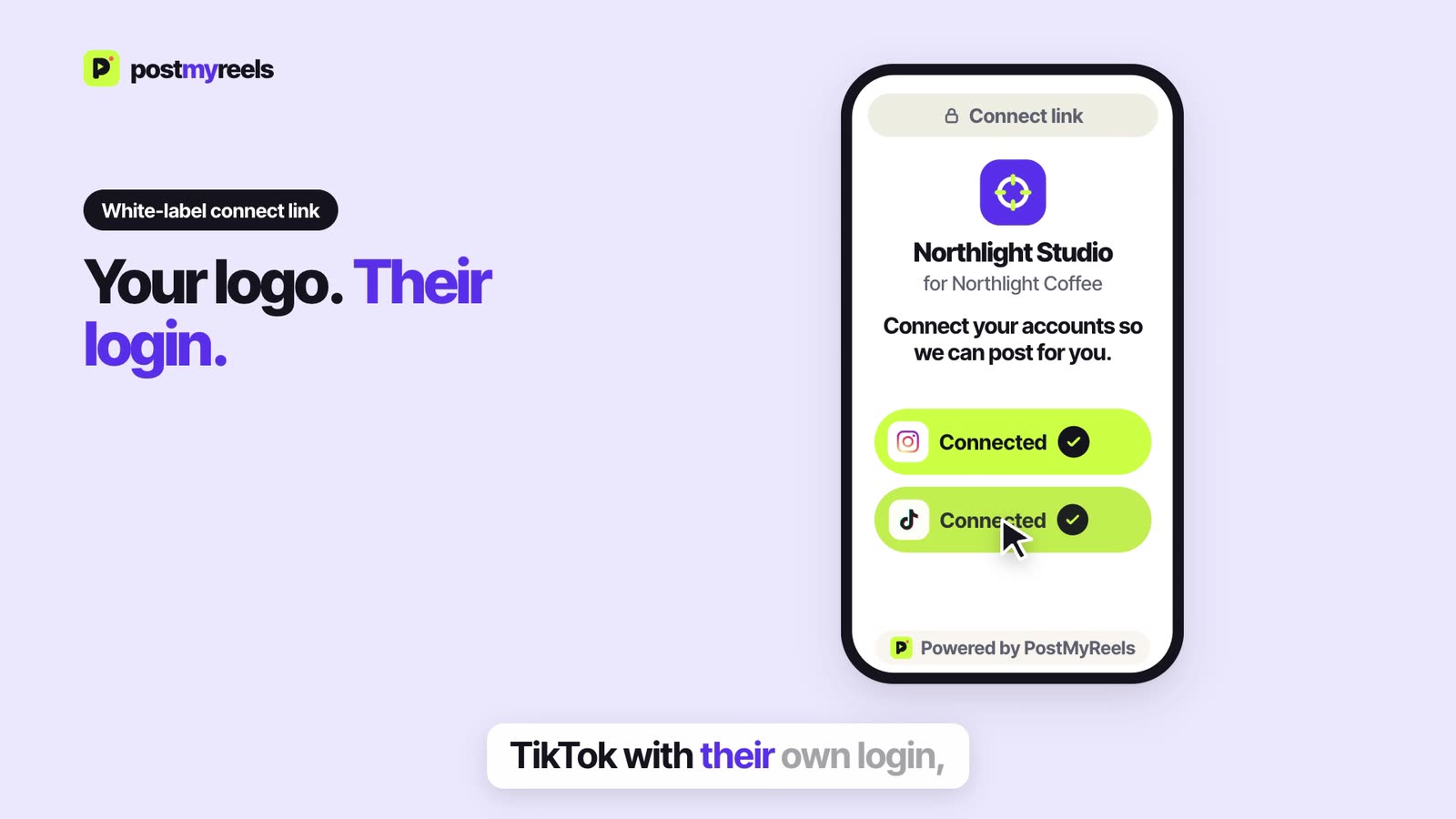
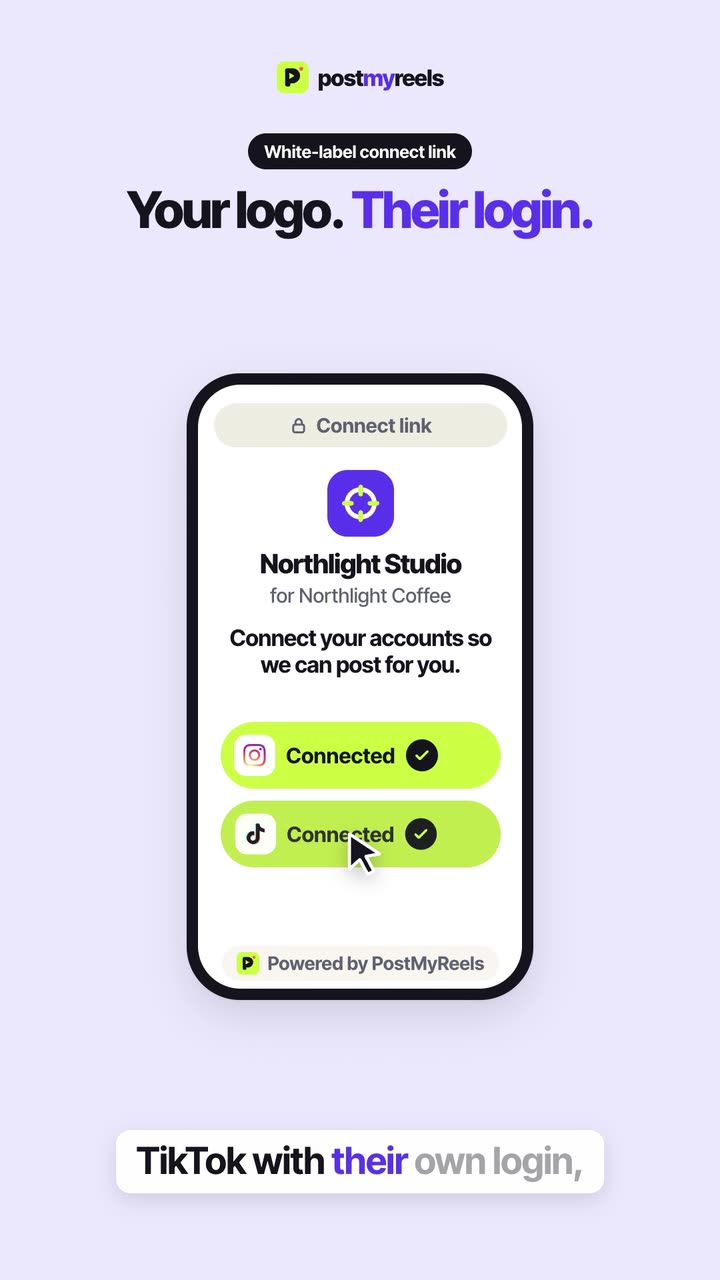
Create a connect link for the profile and send it. The client logs in on TikTok, Instagram and YouTube through each platform's official login. You never see, store or reset their passwords.
The connect page shows your logo and title, so the client sees your business, not ours. The "Powered by PostMyReels" badge comes off on the Agency and Business plans.
Drop the video once, tick the client's accounts, write the caption, pick a time. TikTok privacy and disclosure, the YouTube title and the Instagram Reel option sit inline in the same form.
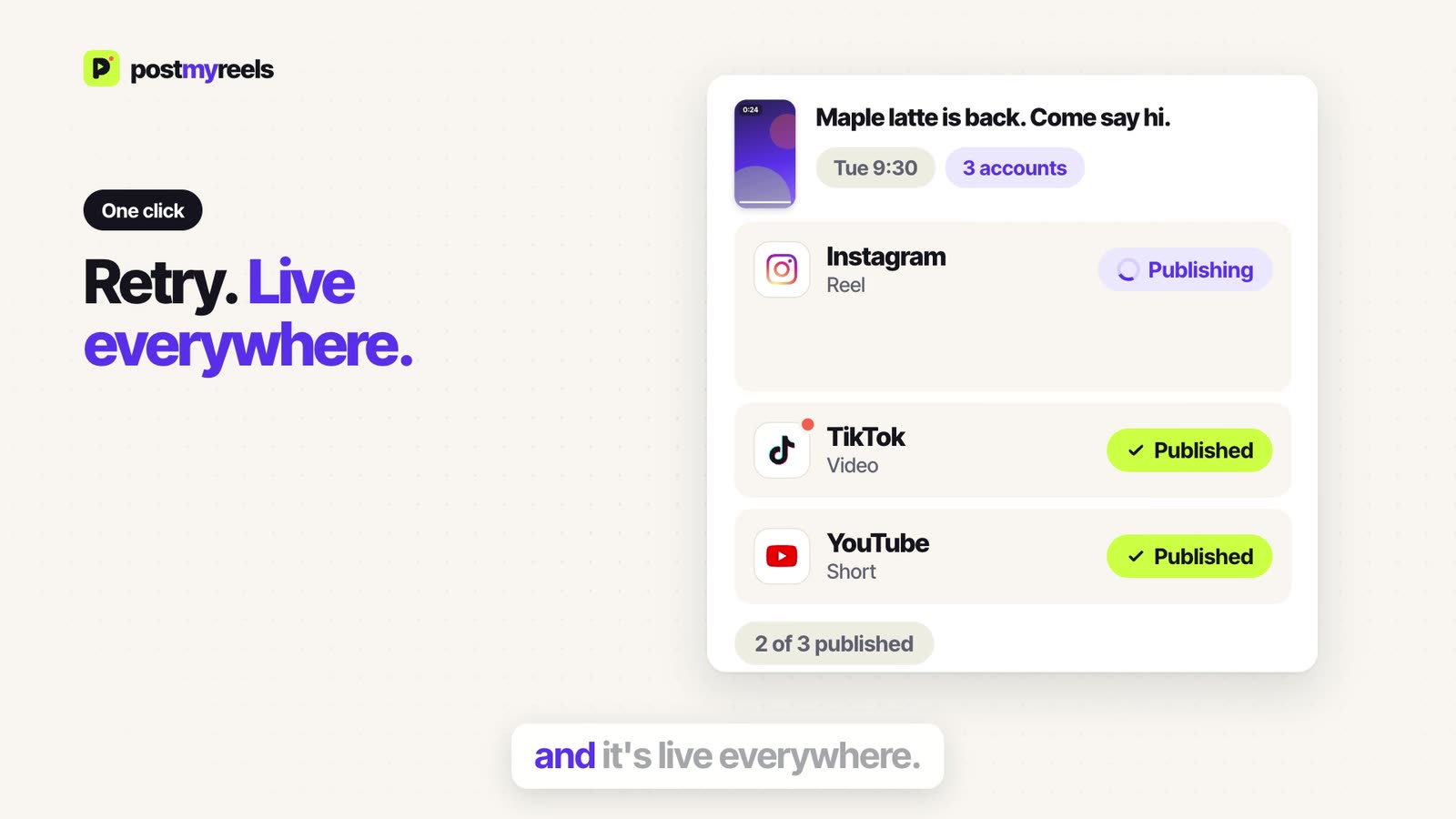
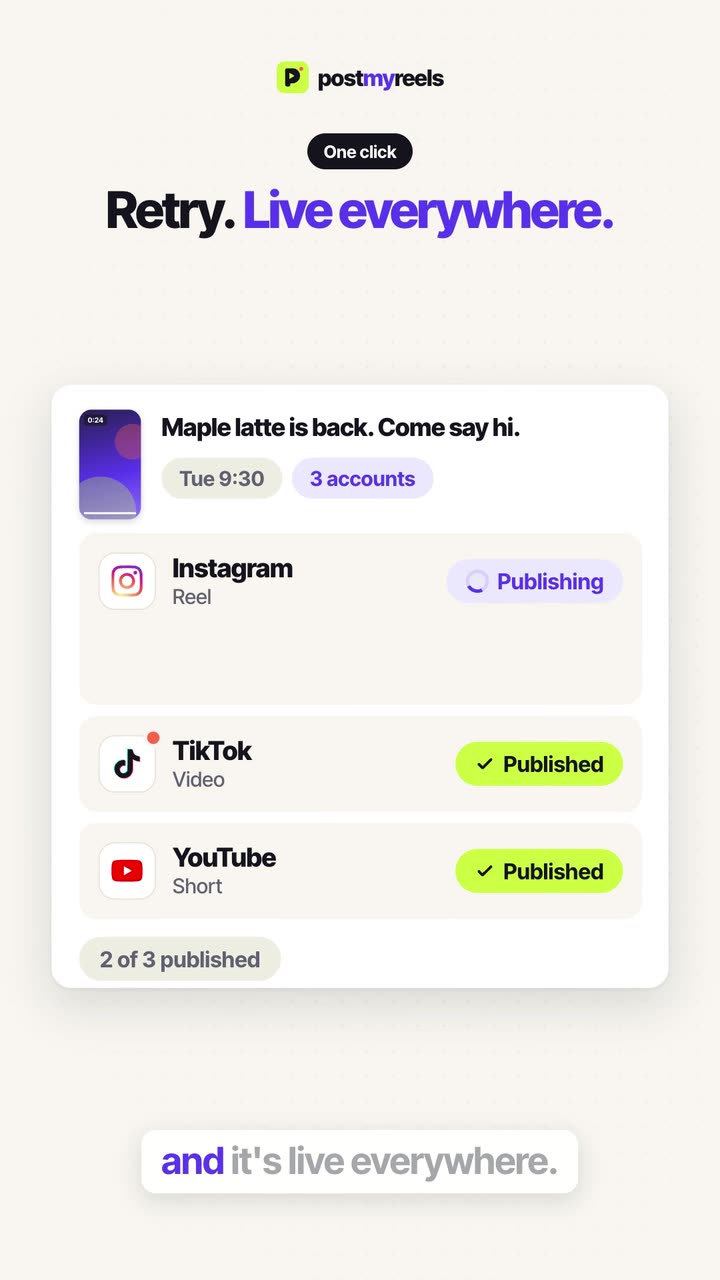
A failed post shows the cause and one fix: the Instagram account is personal, the Facebook Page is wrong, a permission was unticked. Retry is one click, so you fix it before the client asks.
Platform logins expire. We warn you 7 days and 1 day before, so a client's scheduled week does not stop quietly while you are on another job.
Disconnect the profile's accounts, or let the client remove access from their own platform settings. Nothing to change, no shared password to rotate. Their next freelancer starts clean.
If you already run client work through n8n, Make or Zapier, their HTTP Request step can call the same API the dashboard uses. Test keys simulate the post without publishing anything, so you can build the flow on a real client profile safely.
| You post for yourself | You post for 2–15 clients | You run a team | |
|---|---|---|---|
| Profiles | One | One per client | One per client, many people |
| Client connect link | Not needed | Yes, with your logo | Yes, with your logo |
| Badge removed | No | Agency plan | Agency or Business plan |
| Where to start | Free plan | Free plan, then Agency | For agencies |
Plans differ by profiles, accounts, posts a month and features such as approvals, reports and white label. Extra client profiles are added one by one, cheaper the more you add. Exact numbers are on the pricing page.
Analytics are basic (only the numbers the platforms return, none for TikTok yet), and there is no comment inbox. Client approvals start on the Agency plan, which is not on sale yet. We support TikTok, Instagram (Business or Creator accounts linked to a Facebook Page) and YouTube, including Shorts. Facebook Pages, LinkedIn and others are not there yet, so if a client lives on LinkedIn, we are not your only tool.
YouTube works today. TikTok posts publish as private ("Only me") until TikTok's audit of our app passes. Instagram opens after Meta's review. YouTube uploads publish with the privacy you choose; our daily upload quota is still YouTube's default while our increase request is reviewed. The post status says which one you got.
We show what each platform needs (Business account, linked Page, right channel) before the login window opens, then run a private test post so you know it works.
Drop a video or photos. We check ratio, length and size on upload, and only ask for platform extras that are really required.
One button: "Schedule to 3 accounts". Track every platform in one row. If one fails, you see why and retry in one click.
The same posts, from code. Test keys validate everything and post nothing.
</>Read the API docscurl https://api.postmyreels.com/api/v1/posts \
-H "Authorization: Bearer pmr_test_…" \
-H "Content-Type: application/json" \
-d '{
"profile": "bella-bakery",
"platform": ["tiktok", "instagram", "youtube"],
"media": [{ "url": "https://cdn.example.com/autumn.mp4" }],
"caption": "Autumn menu is here",
"title": "Autumn menu at Bella Bakery",
"tiktok": { "privacy_level": "PUBLIC_TO_EVERYONE" },
"scheduled_at": "2026-11-20T09:30:00Z"
}'
# 202 → { "post_id": "post_01J5", "status": "queued", "deliveries": [3] }const res = await fetch("https://api.postmyreels.com/api/v1/posts", {
method: "POST",
headers: {
Authorization: `Bearer ${process.env.PMR_KEY}`,
"Content-Type": "application/json",
"Idempotency-Key": crypto.randomUUID(),
},
body: JSON.stringify({
profile: "bella-bakery",
platform: ["tiktok", "instagram", "youtube"],
media: [{ url: "https://cdn.example.com/autumn.mp4" }],
caption: "Autumn menu is here",
title: "Autumn menu at Bella Bakery",
}),
});
const post = await res.json(); // 202, post.deliveries[]Every plan: all platforms, scheduling, queue, API. Extra profiles from $3 down to $1 a month each, 5 more accounts per profile. Yearly: save 17%.
One that keeps clients apart, lets clients connect their accounts without sharing passwords, and explains failed posts. PostMyReels does this for TikTok, Instagram and YouTube with one profile per client and a free plan to start.
Send the client a connect link for their profile. They log in on Instagram through Meta's official login and approve access. You never see the password, and either side can remove access later.
Yes. The connect page shows your logo and title. The small Powered by PostMyReels badge can be removed on the Agency and Business plans.
Each plan includes a number of profiles, and you can add extra client profiles one by one on paid plans. The pricing page lists the current numbers.
No app can post to a personal Instagram account; it is an Instagram API limit. The client switches to a free Business or Creator account and links it to a Facebook Page. Our connect page checks this first and shows the fix.

Clients connect their own TikTok, Instagram and YouTube with your branded link. One profile per client, plain-language errors, no client passwords.
Read →
Send clients a branded connect link with your logo and wording. They link TikTok, Instagram and YouTube without sharing passwords; you post for them.
Read →ProductPostMyReels pricing: a free social media scheduler plan with no card, and paid plans that add more profiles, posts, reports and approvals.
Read →Start on the free plan with your first client. Upgrade when the second one signs.