How to schedule TikTok videos
The simplest way to schedule a TikTok is TikTok Studio in a desktop browser: upload the video, turn on the schedule option, pick a date and time, and post. The window is limited, and the mobile app is more restricted. If you need more lead time, several accounts, or other platforms, a scheduler like PostMyReels covers that.

Quick answer: open TikTok Studio on desktop, upload, choose the schedule toggle, set a date and time, and confirm. How far ahead depends on what TikTok currently allows for your account, so trust the date picker. For multi-platform or API scheduling, use PostMyReels.
Method 1: TikTok Studio on desktop (native)
TikTok lists scheduling among the functions of TikTok Studio, its creator tool (upload, schedule and edit posts, plus analytics). It runs in a browser at tiktok.com/tiktokstudio, and TikTok notes that some features are easiest from the web.
- Sign in to TikTok on a computer and open TikTok Studio.
- Click Upload and select your video.
- Write the caption, add hashtags, choose the cover, and set privacy, comment and duet or stitch options.
- Under the settings, switch on Schedule (the exact label can vary), then pick a date and time.
- Confirm. The scheduled video appears in your content list, where you can edit or delete it before it goes out.
How far ahead? Reports vary. Many guides give 10 days; some accounts see a longer window, and the figure has changed over time. TikTok's own help center is the only source that matters, and your date picker shows your real range. The scheduler also needs a minimum lead time, so you cannot set a time a few minutes away. Times follow your computer's time zone, so check it before you confirm.
Account type. Scheduling has typically been available to Creator and Business accounts. If you do not see the option, check your account type and update the app or browser.
Method 2: the TikTok mobile app
The mobile app is the weakest option for scheduling. TikTok built scheduling around the Studio web experience, and availability in the phone app has been limited or varied by account and region. If you do not find a Schedule option in the app, that is not a bug in your phone. Use the desktop browser, or open TikTok Studio in your mobile browser if that works for you.
A workaround for phones is a scheduler that uploads for you. You still make the video on your phone, then send it to the scheduler and let it publish at the right time.
Method 3: schedule TikTok videos with PostMyReels
Use PostMyReels when you want to schedule further ahead than the native window allows, schedule for several accounts or clients, or publish the same video to Instagram and YouTube in one step.
- Connect TikTok through TikTok's official login. No password is shared. The connect flow checks requirements and tells you in plain language if something is missing.
- Add the video. The composer checks the file on drop (ratio, duration, size).
- Set TikTok options inline: caption, privacy, comment, duet and stitch toggles, and the branded-content and AI-generated disclosures.
- Pick a time or add to a queue. You can schedule up to 365 days ahead.
- Add Instagram or YouTube if the same clip goes there too, then schedule once.
Important: posts are private while TikTok's audit is pending
TikTok restricts videos posted through its Content Posting API by apps that have not passed its audit, and says content from unaudited clients is restricted to private viewing. TikTok's audit of our app is pending, so TikTok posts from PostMyReels publish as private ("Only me") for now. YouTube works today; Instagram opens after Meta's review. You can change a private post to public in TikTok after it goes out. We do not promise a date for the audit.
So today, for public TikTok posts on a fixed schedule, TikTok Studio is the more dependable route. PostMyReels is a good fit for planning, multi-platform posting, and getting set up before the audit passes.
TikTok API options for developers
If you are building your own tool, TikTok's Content Posting API has two modes:
- Direct Post publishes straight to a creator's profile, and requires your app to be approved for the
video.publishscope and the user to authorize it. - Upload to inbox (draft) sends the video to the creator's TikTok inbox to finish and publish in the app.
Direct Post for unaudited apps is private-only, and passing the audit takes review time. The API does not schedule for you: your service has to hold the video and call TikTok at the right moment. PostMyReels does that part. One POST /posts call with scheduled_at queues the video for TikTok, Instagram and YouTube, and webhooks report post.published or post.failed. See the developer overview or the n8n guide.
Native vs a scheduler: a plain comparison
| TikTok Studio (native) | PostMyReels | |
|---|---|---|
| Cost | Free | Free plan available; see pricing |
| Where | Desktop browser | Dashboard or API, any device |
| Lead time | Set by TikTok | Up to 365 days |
| Other platforms | TikTok only | Instagram and YouTube too |
| Several accounts or clients | One login at a time | Profiles per brand, white-label connect links |
| Public TikTok posts today | Yes, your own settings | Private until TikTok's audit passes |
The honest summary is that the native tool wins on one account and public posts right now. A scheduler wins when you handle more than one platform, more than one brand, or want automation.
A scheduling routine that keeps TikTok consistent
- Record in batches. One filming session can cover a week of videos.
- Write the caption and hook at export time. It is easier than rewriting it on posting day.
- Schedule in one sitting. Fill the next week, spacing videos instead of posting several at once.
- Leave a slot open. Trends move quickly, and a free slot lets you post something timely without breaking the plan.
- Review results every week. Move what worked earlier or later in the day and repeat it.
Best practice for scheduled TikToks
- Export 9:16 vertical, and keep captions and key action away from the bottom and right edges where the interface sits.
- Watch your own analytics for when your followers are active instead of trusting a generic "best time" chart.
- Decide the privacy setting up front. Public, friends or only me, then check the disclosure toggles for branded content or AI-generated media.
- Keep sounds and licenses in mind. A commercial account may have a restricted music library, which can block a post.
- Review the queue weekly, because connections expire.
Common problems and fixes
There is no Schedule option
Check the account type, use a desktop browser, and update. If it is still missing, the feature may not be on your account or region yet.
My scheduled post went out private
If it came from a third-party app, the app may not be audited yet. Change the visibility in TikTok. If it came from Studio, check the privacy setting on the post.
The video was rejected or did not publish
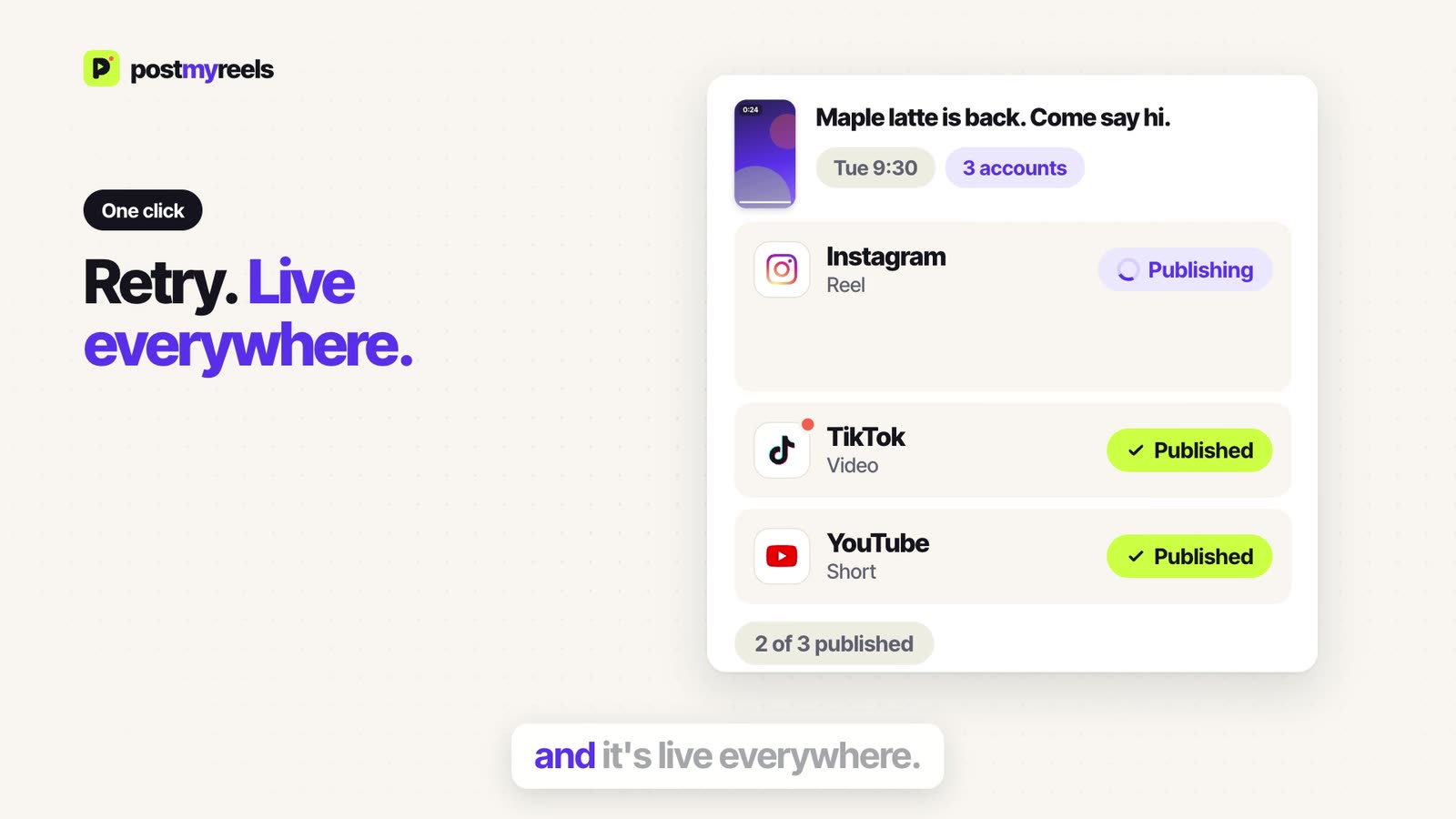
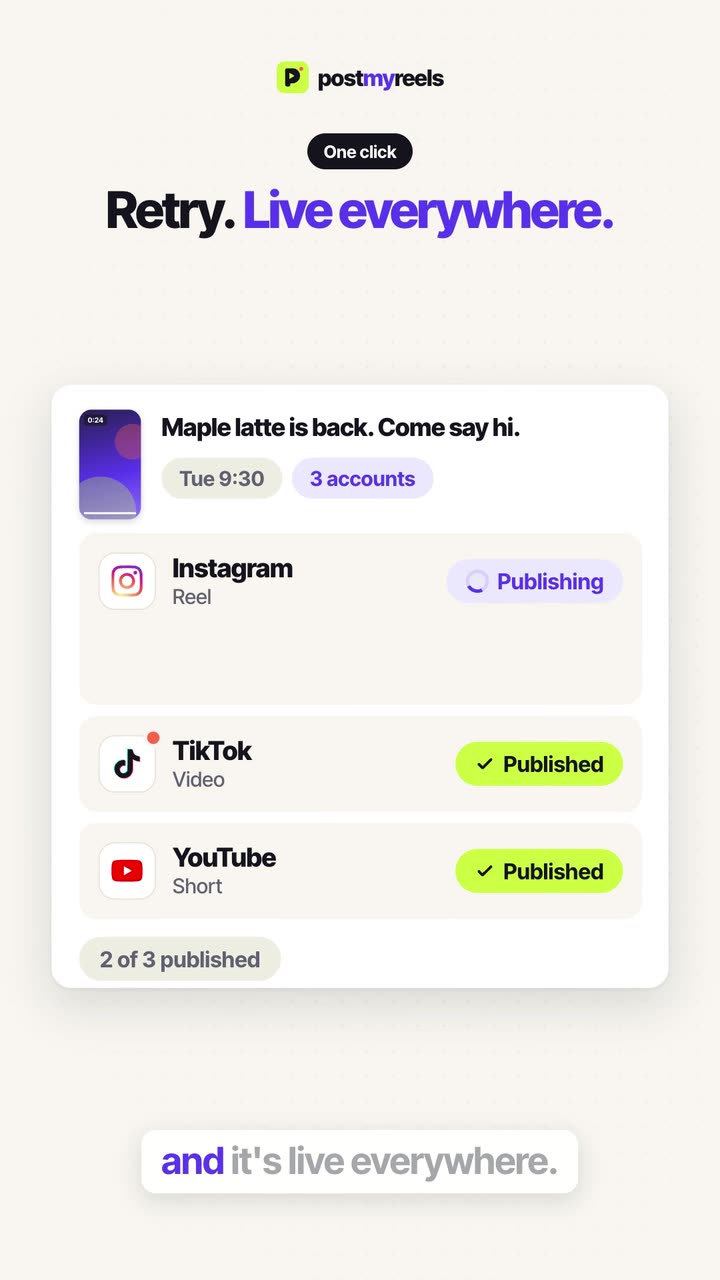
Check the length, size and format against TikTok's current limits. In PostMyReels the failed post shows the cause and a one-click retry.
The posting time is off
Confirm the time zone your computer or scheduler uses.
Want TikTok, Instagram and YouTube from one form? Start free Related: how to schedule Instagram posts.
Done? Connect TikTok now and we'll run a test post.
Checked against each platform's current rules. Something changed? Tell us.
Questions
Can you schedule a TikTok?
Yes. TikTok Studio on desktop lets you set a date and time for a video. A third-party scheduler can also post for you, although posts from unaudited apps are private.
How far in advance can you schedule TikTok videos?
It has varied over time and by account. Guides often cite about 10 days, and some accounts see more. The date picker in TikTok Studio shows your current limit.
Can I schedule TikToks from my phone?
The native option is built for TikTok Studio on the web, and the phone app has been limited. Use a desktop browser, or a scheduler that uploads for you.
Why are scheduled TikToks from third-party apps private?
TikTok restricts content posted by apps that have not passed its API audit to private viewing. PostMyReels has its audit pending, so TikTok posts are private for now.
Do I need a Business or Creator account to schedule?
Scheduling in TikTok Studio has generally required a Creator or Business account. Check the options for your account in the app.
Can I schedule TikTok and Instagram together?
Not with TikTok's own tools. A multi-platform scheduler like PostMyReels takes one video to TikTok, Instagram and YouTube in one form.
Related guides

TikTok scheduler
A TikTok scheduler with TikTok's required options built in: privacy, disclosure and music confirmation. Honest about private posts until our audit passes.
Read →
Social media scheduler for short video
Schedule social media posts once and publish to TikTok, Instagram and YouTube on time. One dashboard, plain-language errors, free plan with no card.
Read →
How to schedule Instagram posts and Reels
Schedule a post in Instagram natively, with Meta Business Suite, or with PostMyReels. Requirements, steps, best practice and fixes for common errors.
Read →Post to TikTok, Instagram and YouTube from one place.
Free plan, no card. Connect an account in under a minute.